23
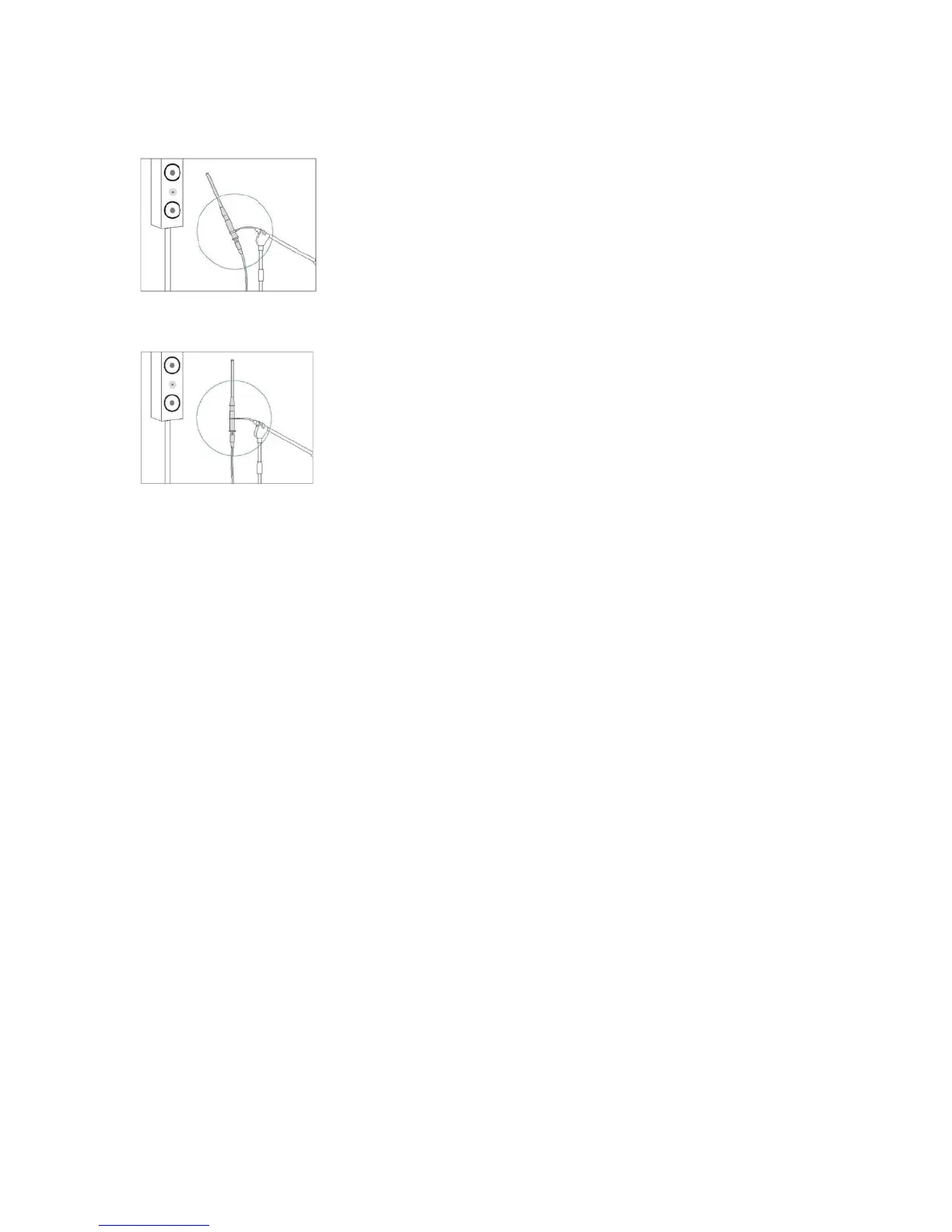
2. Point the microphone tip directly at the ceiling using a tripod. Do not hold the
microphone in your hand during measurements as this will produce inaccurate results.
3. Connect the microphone preamplifer’s output (LINE OUT) to the microphone input of the
product being calibrated.
4. Click “Measure.” A series of test signals will be emitted from each speaker and recorded.
5. Warnings. Some warnings may be shown for the first position only.
• Absolute polarity (the direction a speaker’s cone moves when subjected to a voltage) is
detected. If this warning is displayed, the wiring should be checked. If no problem is
found, it is safe to ignore this warning.
• Speaker/Zone mismatches are detected. For example, the user will be notified if a
subwoofer is detected on a satellite channel or if no speaker is detected on a channel
where a speaker was configured.
6. Errors. In some cases, the calibration cannot proceed until a problem is fixed.
• Microphone Disconnected – check the microphone connection and try the measurement
again.
• Noise Too High – If the background noise exceeds a certain threshold, the system will
not attempt to overcome it. The background noise must be reduced.
• Unable to achieve adequate Signal to Noise Ratio (SNR). – The level of the test signal
will be increased in an attempt to overcome background noise. Such level increases will
occur at most twice per channel. If an adequate SNR is still not achieved, the
background noise must be reduced.
• A missing Left or Right Front speaker is considered an error.
• If all speakers in the zone are undetected the calibration will not continue.
• For receiver or preamplifier calibrations, a mismatch between the type of speaker
detected and the zone configuration is considered an error.
Measuring Subsequent Positions
1. Move the microphone to the next listening location. Even if there is only one listening
position, move the microphone to positions in a sphere around that position (see Creating a
sweet spot in the Tips for Taking Measurements section below.



 To Next Page