12
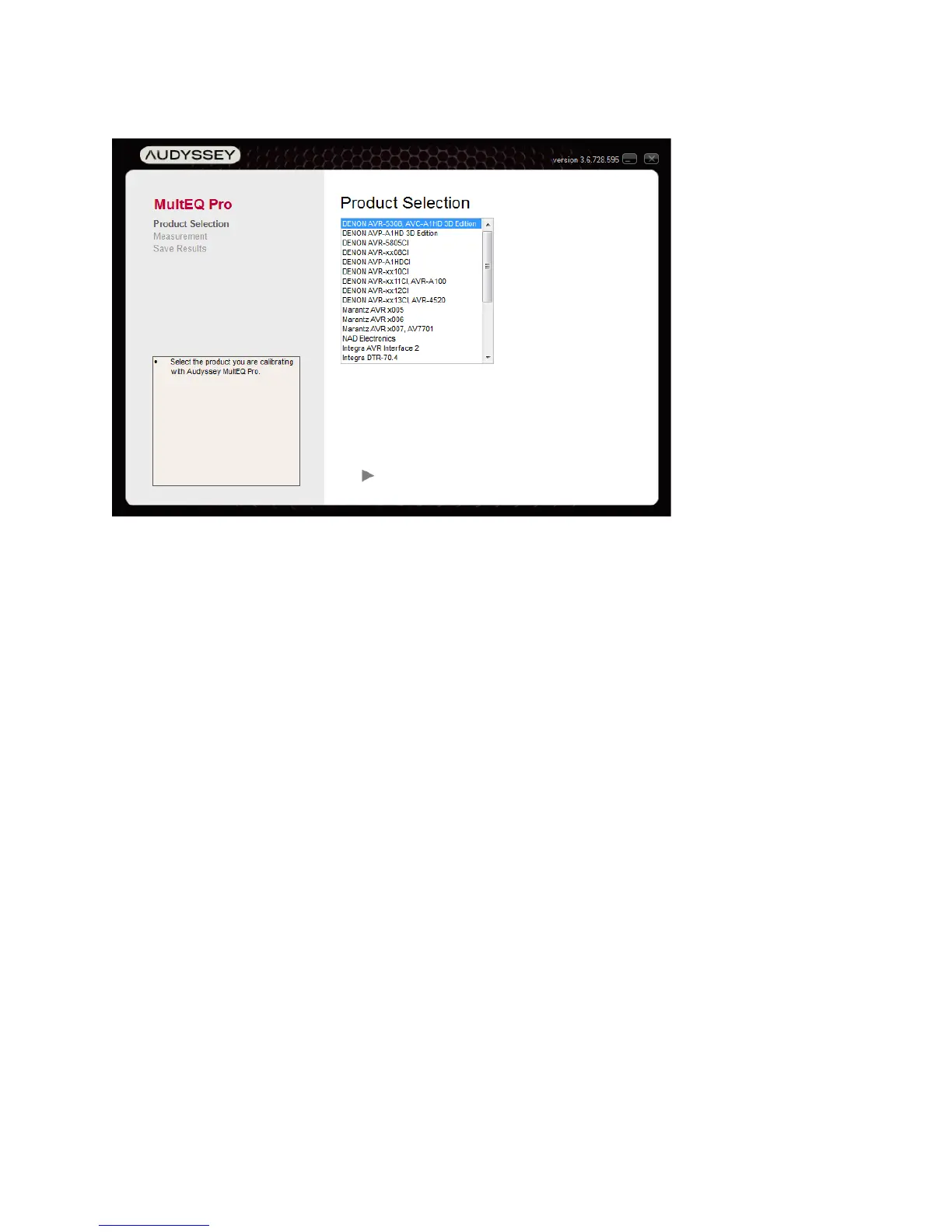
Product Selection
1. Choose the product being calibrated from the list of Installer-Ready Products. Make sure the
communication cable (USB, RS232 or Ethernet) is connected and press the “►” button.
2. Products that require additional connection information will display one or more dialogs
prompting the user to enter the required information or select a configuration. For RS232-
connected products, this will include the COM port. For Ethernet connected products, this
will include the IP address. Consult the Appendix or the specific product’s Owner’s Manual
for more information.
3. If the product being calibrated requires a License Key, the dialog in Figure 10 will be
displayed. A valid License Key must be entered in order to continue with the calibration.



 To Next Page