36
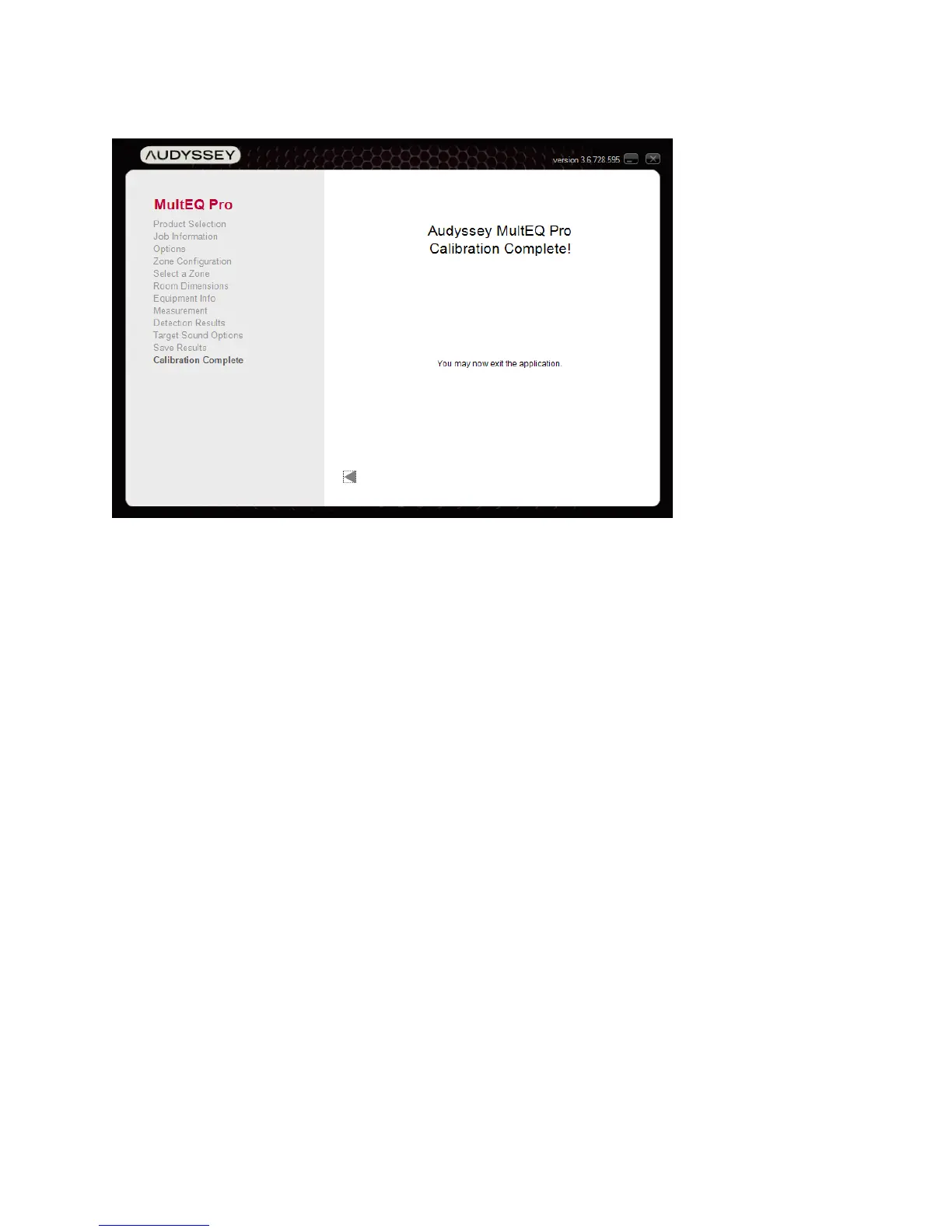
Calibration Complete
Calibration Wrap-up
1. Lock the receiver / preamplifier settings so they cannot be inadvertently changed.
Changing the distance, delay and bass management settings will detract from the
calibration. Additionally, the front-panel on some receivers will show the system as
uncalibrated. In most cases, MultEQ filters can still be enabled, but they will be working
without the added benefit of correct delays, trims and bass management.
2. Instruct the customer on proper use of the system. Outline when to use Dynamic Volume
and explain the options for Dynamic EQ reference. Audyssey provides recommended
demonstration content and instructions in the Appendix of this document.
Let the customer know that the addition or removal of furniture, acoustic treatments or
speakers necessitates recalibration.
3. Upload the calibration results to the Audyssey Installer web site. This allows viewing and
printing the customer certificate, equipment and calibration parameters at a later date.
4. Print the certificate. Instructions may be found on the Audyssey Installer Web Site.



 To Next Page