18
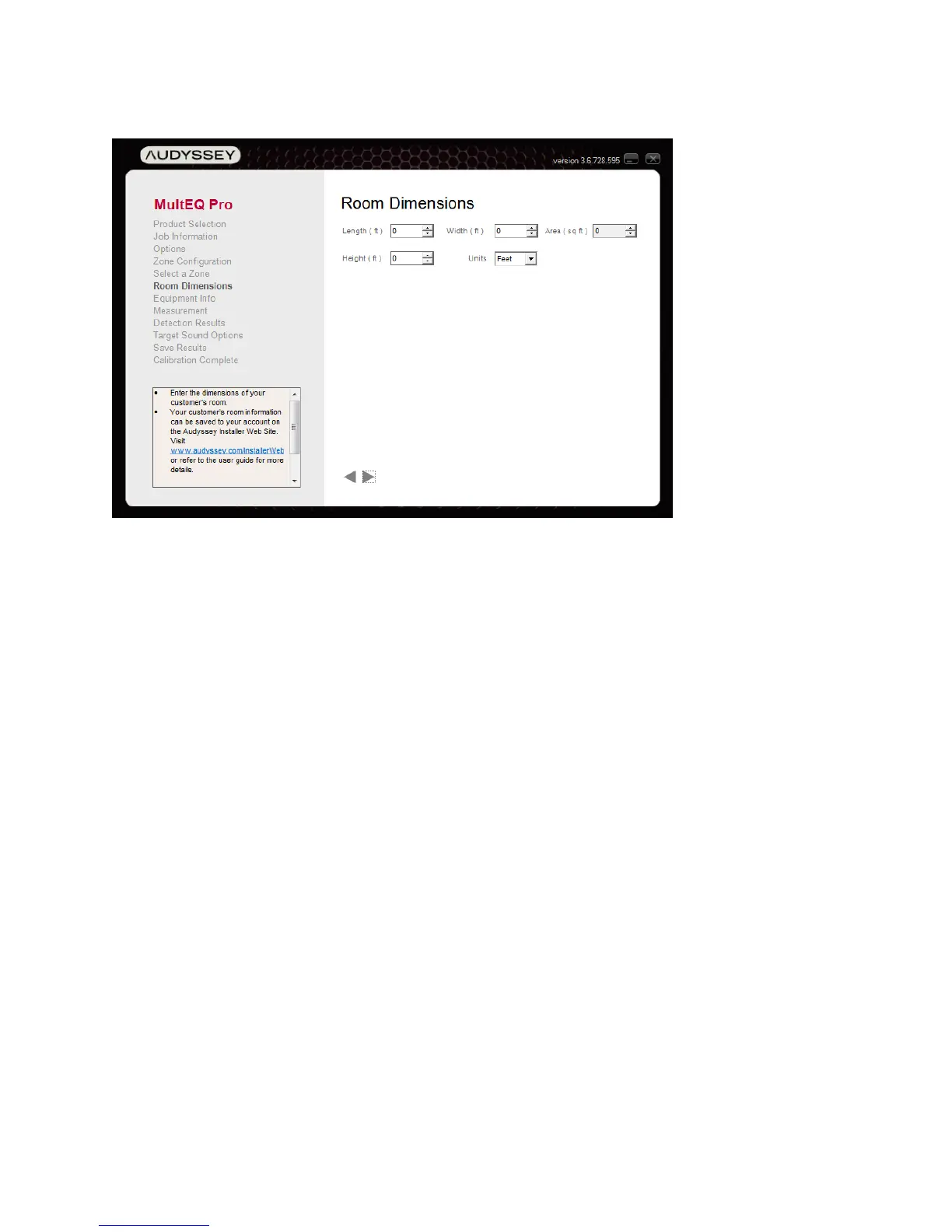
Room Dimensions
Enter the dimensions of the listening room by clicking the up/down arrows next to each field or
by typing values into each one. Select from English or Metric units (Feet or Meters).
Note: If desired, manually calculate and write down the volume of the room (Area x Height) to
help select an Audyssey target curve later. See Target Sound Options (Page 28).
The information entered at this screen will be included with the calibration results uploaded to
the Audyssey Installer Website, but it will not affect the filters created by MultEQ Pro.



 To Next Page