17
Select None from the drop-down menu for unused channels. If any channel is part of another
zone, select the radio button in the appropriate zone column. Moving a speaker to a zone other
than the one currently being calibrated will ensure that any existing calibration on that channel is
preserved. Selecting “None” for a channel will clear that channel’s calibration.
Note: Using Audyssey DSX™ requires that Height and/or Wide channels be selected. Figure 12
shows a compatible selection.
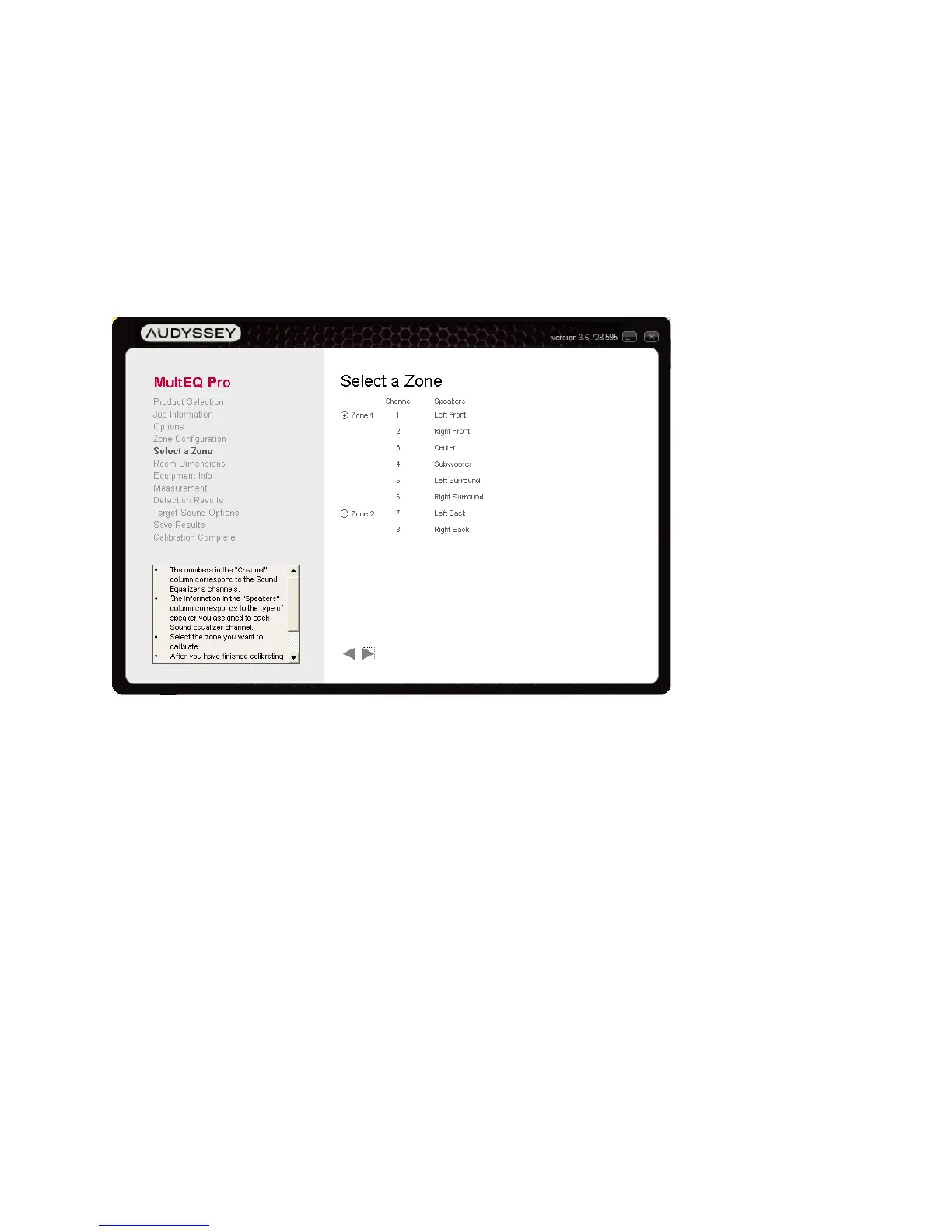
Select a Zone
If the product supports multiple zones, and channels were assigned to multiple zones on the
Zone Configuration Screen, the “Select a Zone” screen will be displayed. Select the zone to be
calibrated.



 To Next Page