32
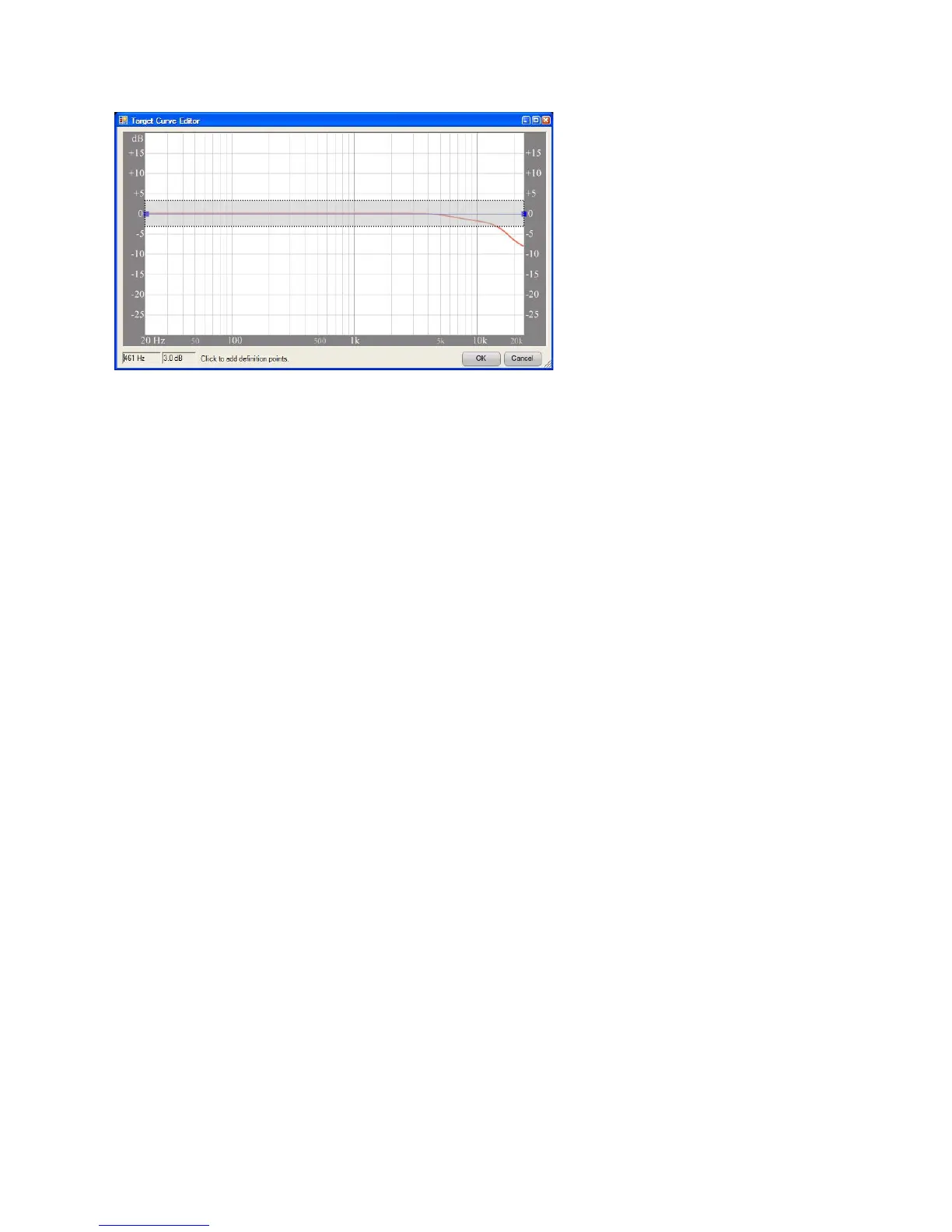
Figure 14 - Valid Gain Range
Move grips by dragging or editing values. To move a grip with the mouse, place the mouse
pointer over it. Press and hold the left mouse button, then move the mouse to guide the cursor
to the new location. To move the grip by typing in new values, select the grip, then type in the
new values and press the “Enter” key. Alternatively, right-click on the grip to display its context
menu and select “Enter Point Values.”
Select multiple grips by holding the CTRL key. Hold the CTRL key and left-click on each grip
to be selected. Once selected, all grips may be moved as a single group.
Delete grips by selecting the grip and pressing the DELETE key. Alternatively, right click on the
grip to display its context menu, then select “Delete Point(s)”.
When finished, apply the edits to the modifier by clicking the “OK” button in the bottom right
corner of the window. To return the target curve modifier to its previous state, press the “Cancel”
button. The “Target Curve Editor” window will close.
Spend some time placing grips and moving them to get a sense of how best to edit the modifier.
Create several grips and move them in relation to each other, avoiding sharp peaks.
Valid Range for placing Grips



 To Next Page