26
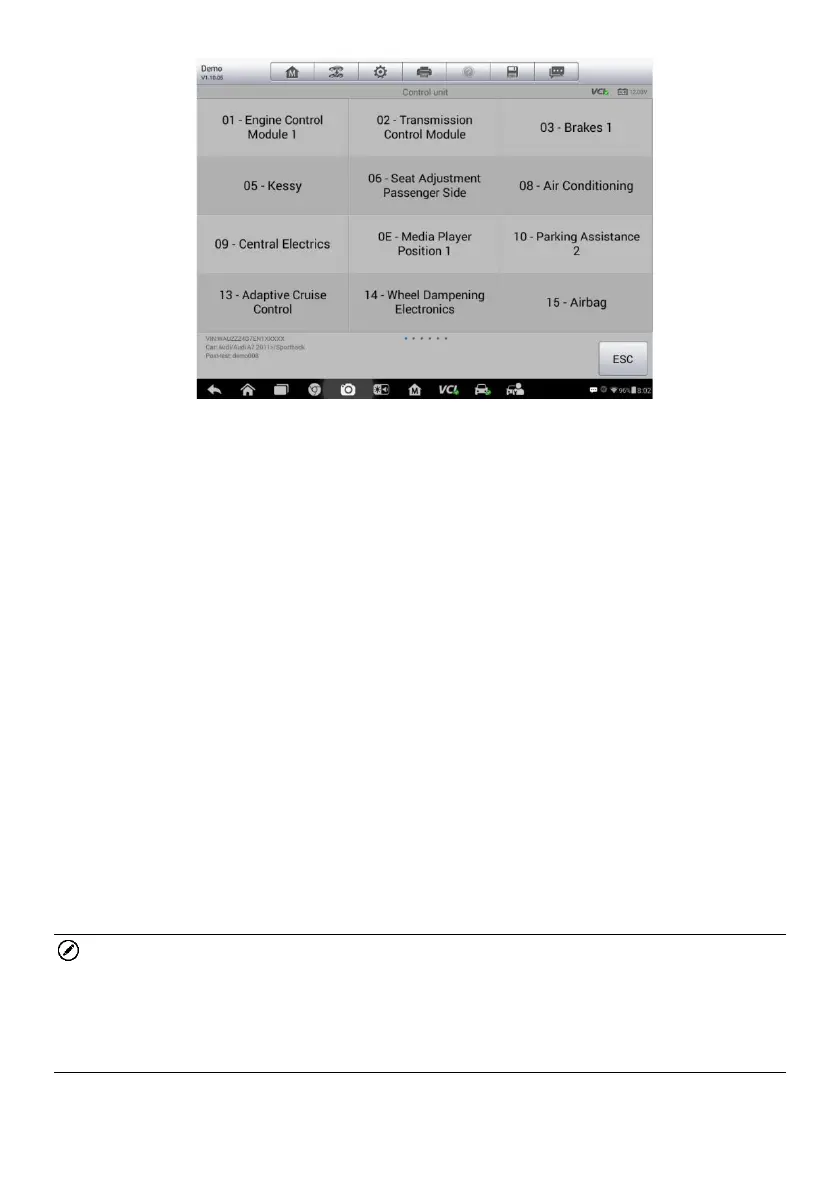
Figure 4-3 Sample Control Units
The Function Menu options vary slightly for different vehicles. The function
menu may include:
ECU Information – provides the retrieved ECU information in detail.
Selecting opens an information screen.
Read Codes – displays detailed information of DTC records retrieved from
the vehicle control module.
Erase Codes – erases DTC records and other data from the ECM.
Live Data – retrieves and displays live data and parameters from the
vehicle’s ECU.
Active Test – provides specific subsystem and component tests. This
selection may appear as Actuators, Actuator Test, or Function Tests and
the tests options vary depending on the manufacturer and model.
Special Functions – provides component adaptation or variant coding
functions for custom configurations, and also allows you to reprogram
adaptive values for certain components after making repairs. Depending
on the test vehicle, this selection may sometimes appear as Control Unit
Adaptations, Variant Coding, Configuration or something similar.
NOTE
With the diagnostic toolbar on top of the screen throughout the whole diagnostic
procedures, you are allowed to make various controls of the diagnostic
information at any time, such as print and save the displayed data, get help
information, or perform data logging.
To perform a diagnostic function














 To Next Page