58
Vehicle Identification
The MaxiSys diagnostic system supports four methods for Vehicle
Identification.
1. Auto VIN Scan
2. Manual VIN Input
3. Manual Vehicle Selection
4. OBD Direct Entry
Auto VIN Scan
The MaxiSys diagnostic system features the latest VIN-based Auto VIN Scan
function to identify CAN vehicles in just one touch, which allows the technician
to quickly detect vehicles, scan all the diagnosable ECUs on every vehicle and
run diagnostics on the selected system.
To perform Auto VIN Scan
1. Tap the Diagnostics application button from the MaxiSys Job Menu. The
Vehicle Menu displays.
2. Tap the VIN Scan button on the top toolbar.
3. Select Auto Detect. The tester starts VIN scanning on the vehicle’s ECU.
Once the test vehicle is successfully identified, the system will guide you
to the ADAS Function screen directly.
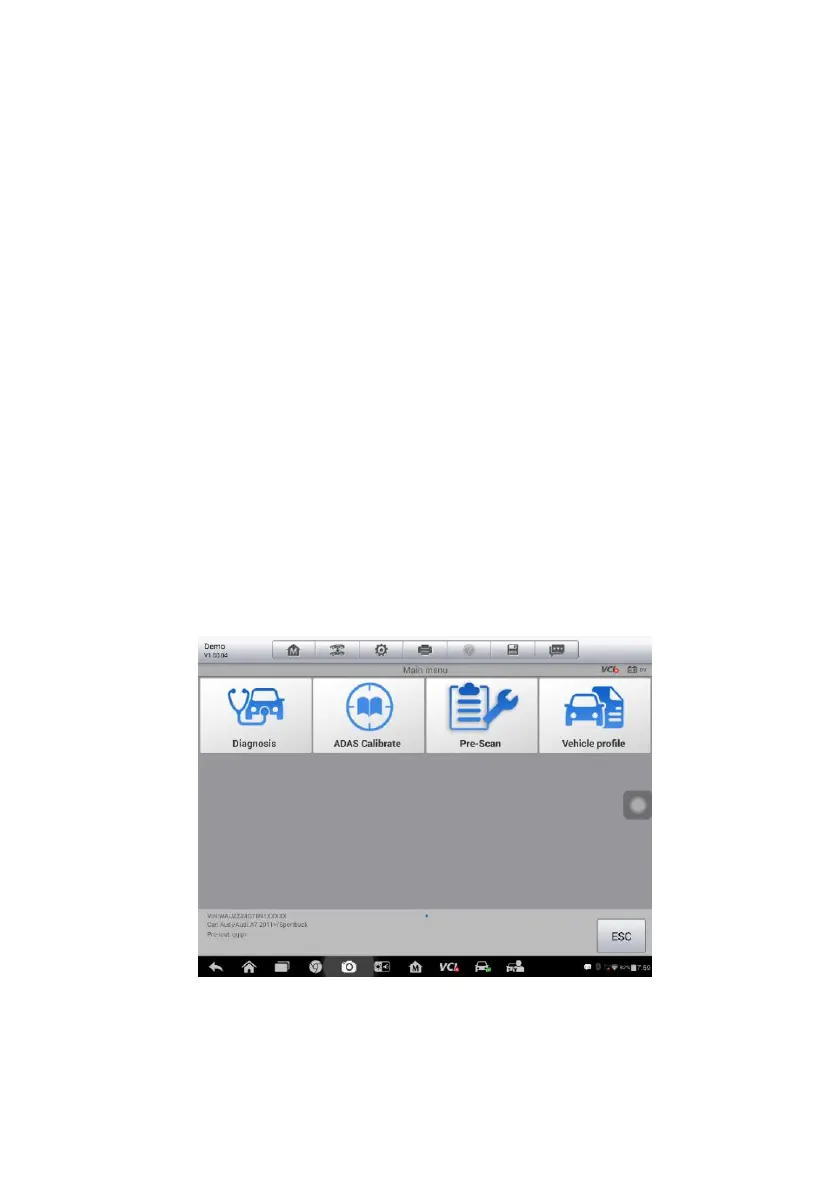
Figure 4-25 Sample ADAS Function Screen
In some cases when users have selected the vehicle brand instead of
performing Auto VIN Scan in the first place, the system still provides an option
for vehicle VIN scan.














 To Next Page