REVCLOUD
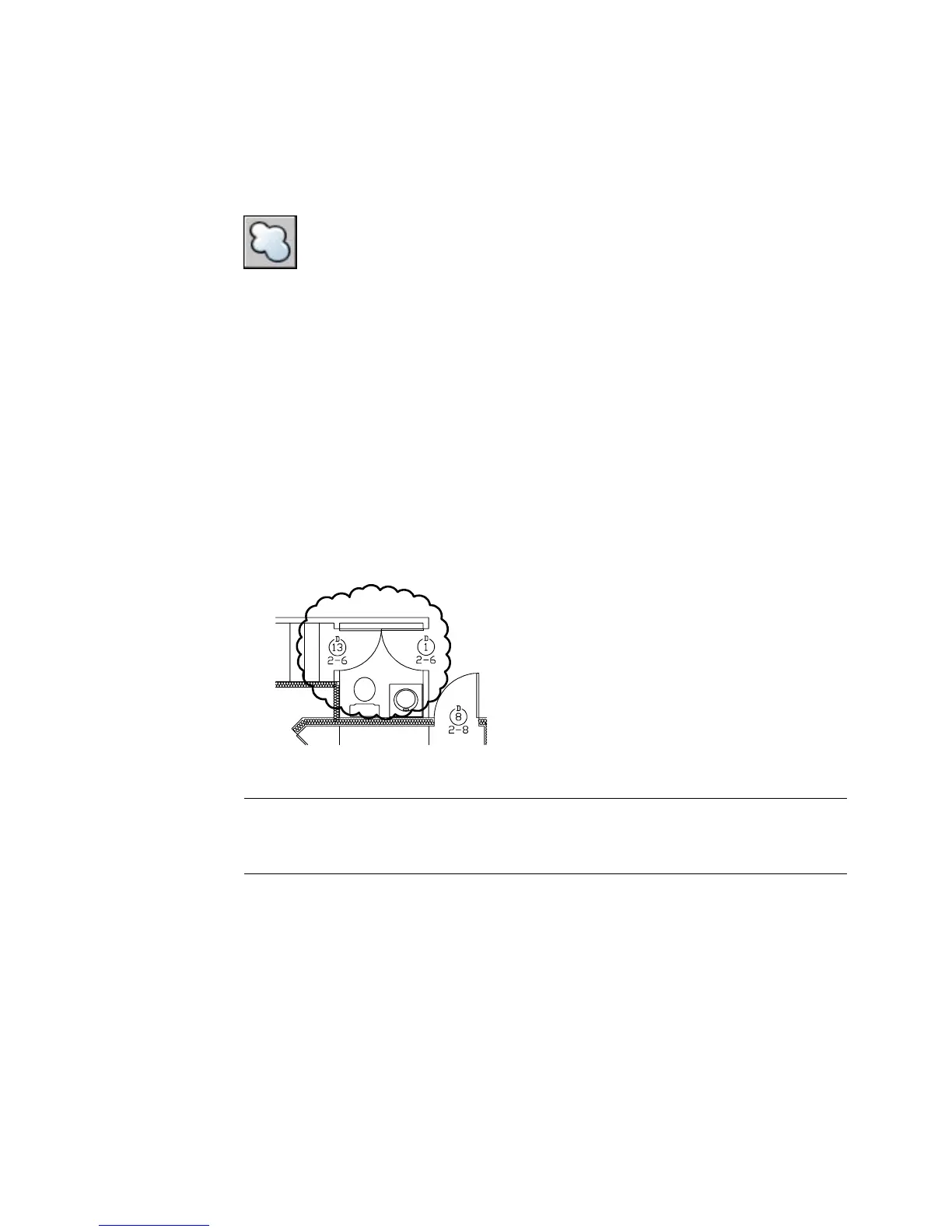
Creates a polyline of sequential arcs to form a cloud shape
Draw toolbar:
Draw menu: Revision Cloud
Command line: revcloud
Minimum arc length: 0.5000 Maximum arc length: 0.5000
Specify start point or [Arc Length/Object/Style] <Object>: Drag to draw the revision
cloud, enter an option, or press ENTER
Guide crosshairs along cloud path...
When the start and end lines meet, the following message is displayed on the
command line.
Revision cloud finished
The resulting object is a polyline.
NOTE REVCLOUD stores the last used arc length in the system registry. This
value is multiplied by DIMSCALE to provide consistency when the program is
used with drawings that have different scale factors.
Arc Length
Specifies the length of the arcs in a revision cloud.
Specify minimum length of arc <0.5000>: Specify a minimum arc length
Specify maximum length of arc <0.5000>: Specify a maximum arc length
Guide crosshairs along cloud path...
Revision cloud finished
Image Specifications Dialog Box | 983



 To Next Page