3DMESH
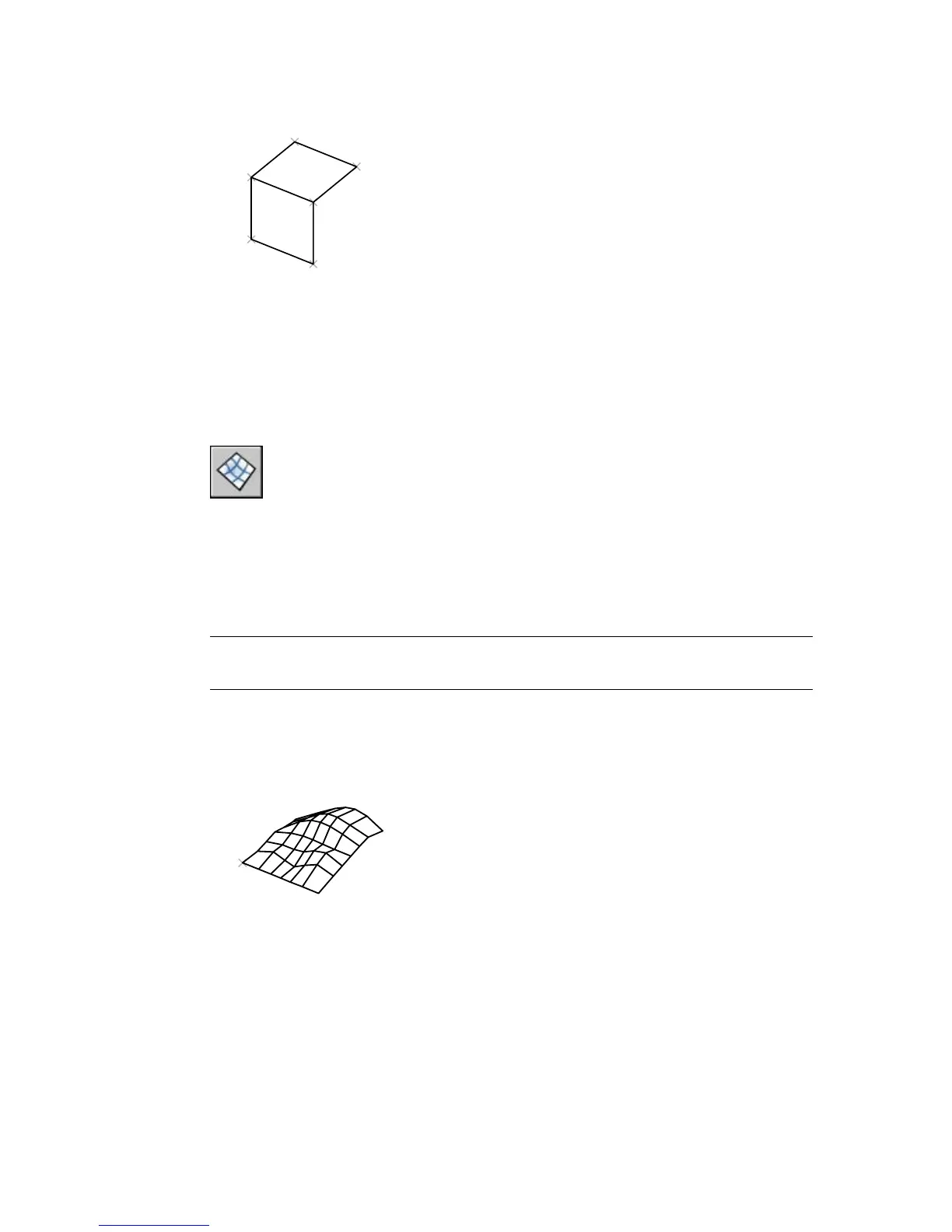
Creates a free-form polygon mesh
Surfaces toolbar:
Draw menu: Surfaces ➤ 3D mesh
Command line: 3dmesh
Enter size of mesh in M direction: Enter a value between 2 and 256
Enter size of mesh in N direction: Enter a value between 2 and 256
NOTE 3DMESH is designed primarily for programmers. Other users should use
the 3D command.
A polygon mesh is defined by a matrix, the size of which is determined by M
and N size values. M times N equals the number of vertices that you must
specify.
Specify location for vertex (0, 0): Enter a 2D or 3D coordinate
The location of each vertex in the mesh is defined by m and n, the row and
column indices of the vertex. Defining vertices begins with vertex (0,0). You
32 | Chapter 2



 To Next Page