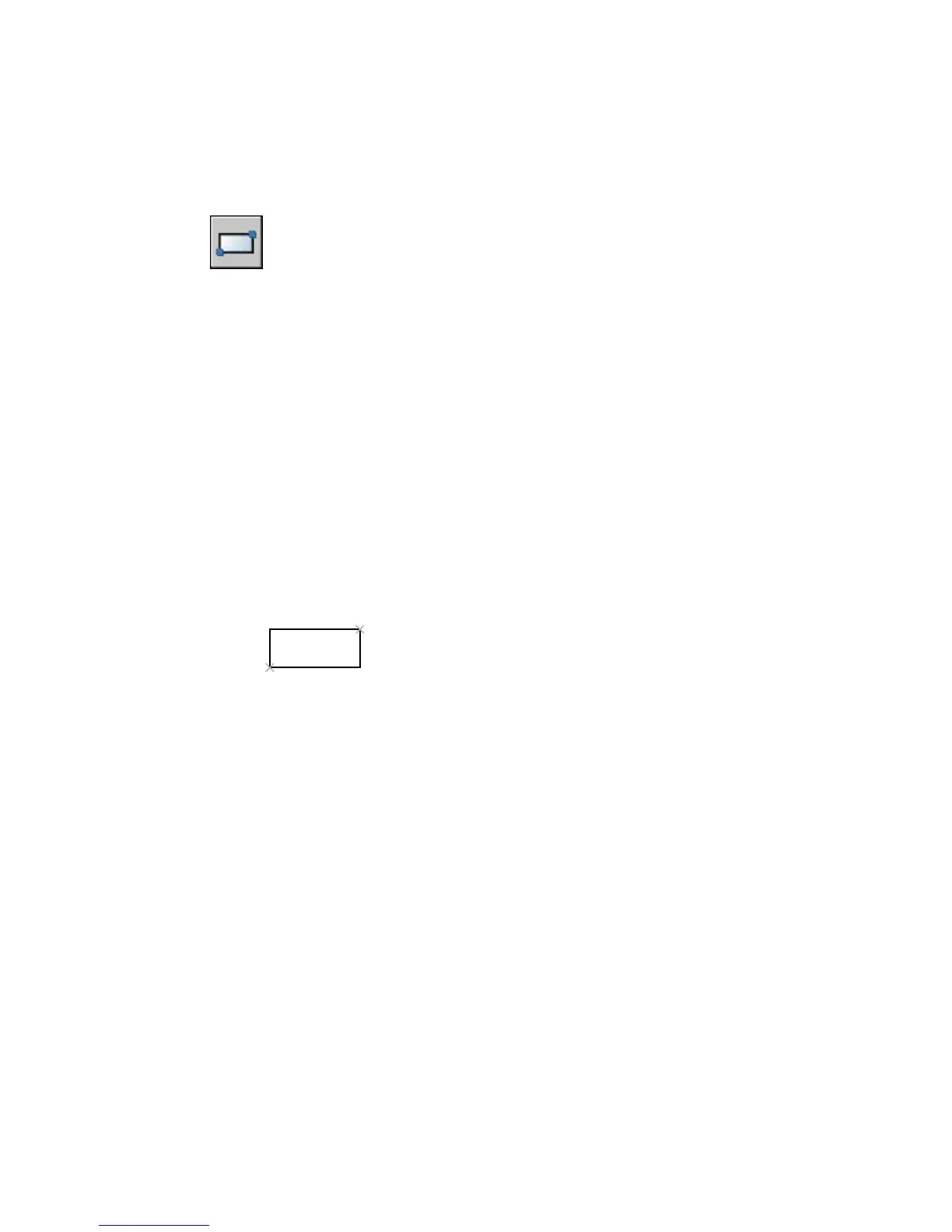
RECTANG
Draws a rectangular polyline
Draw toolbar:
Draw menu: Rectangle
Command line: rectang or rectangle
Current settings: Rotation = 0
Specify First Corner Point or [Chamfer/Elevation/Fillet/Thickness/Width]: Specify a
point or enter an option
First Corner Point
Specifies a corner point of the rectangle.
Specify other corner point or [Area/Dimensions/Rotation]: Specify a point or enter
an option
Other Corner Point
Creates a rectangle using the specified points as diagonally opposite corners.
Area
Creates a rectangle using the area and either a length or a width. If the
Chamfer or Fillet option is active, the area includes the effect of the chamfers
or fillets on the corners of the rectangle.
Enter area of rectangle in current units <100>: Enter a positive value
Calculate rectangle dimensions based on [Length/Width] <Length>: Enter L
or w
Enter rectangle length <10>: Enter a non-zero value
or
Enter rectangle width <10>: Enter a non-zero value
958 | Chapter 19



 To Next Page