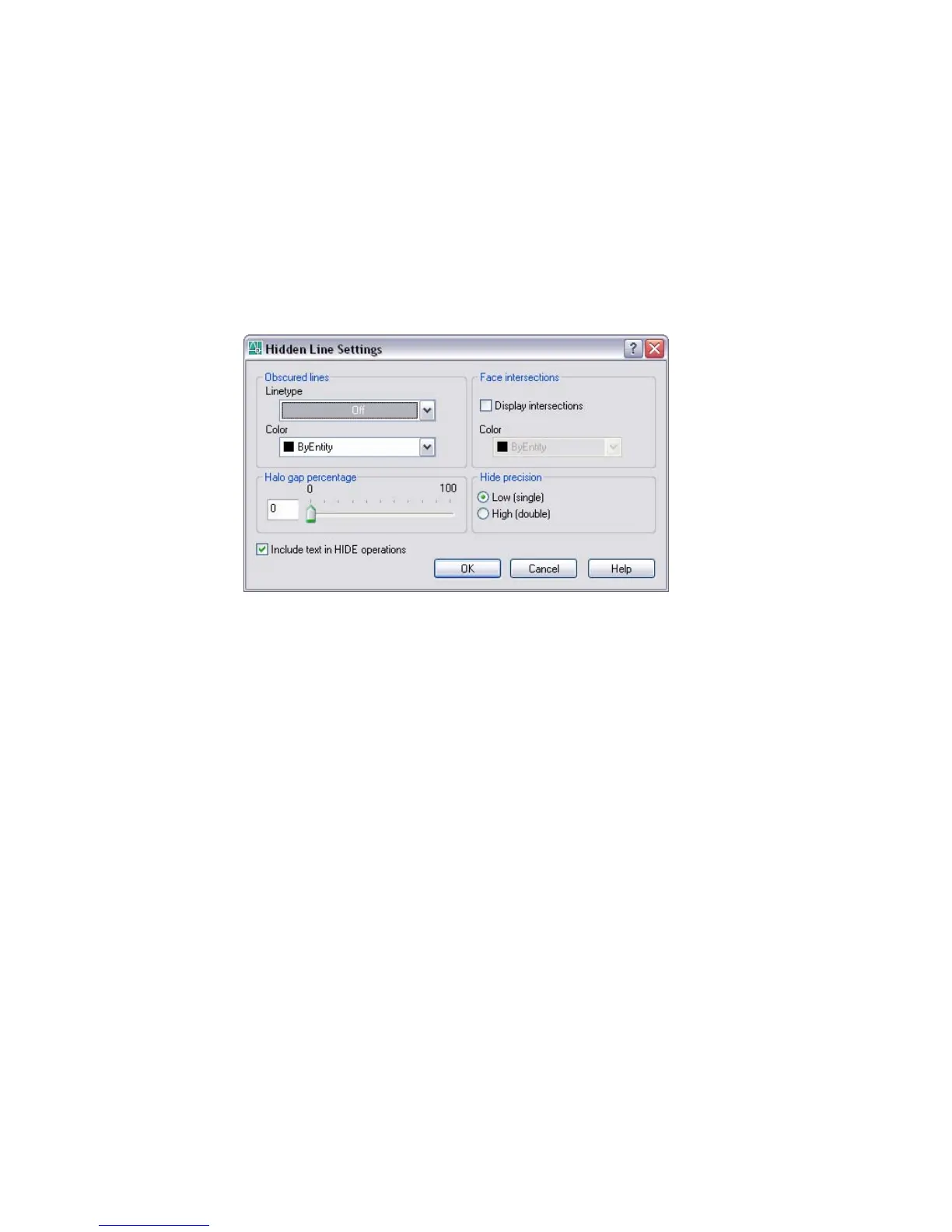
The Hidden Line Settings Dialog Box is displayed. The settings in this dialog
box affect the display properties of hidden lines.
Hidden Line Settings Dialog Box
Command line: hlsettings
Sets the display properties of hidden lines. These settings are visible only when
the HIDE command or the Hidden option of the SHADEMODE command is
used.
Obscured Lines
Specifies the linetype and color of obscured lines. An obscured line is a hidden
line that is made visible by changing its color and linetype.
Color
Lists the available colors to apply to obscured lines. (OBSCUREDCOLOR
system variable)
Color
Lists the available colors to apply to intersection polylines.
(INTERSECTIONCOLOR system variable)
Display Intersections
Specifies the display of intersection polylines. (INTERSECTIONDISPLAY
system variable)
Hidden Line Settings Dialog Box | 521



 To Next Page