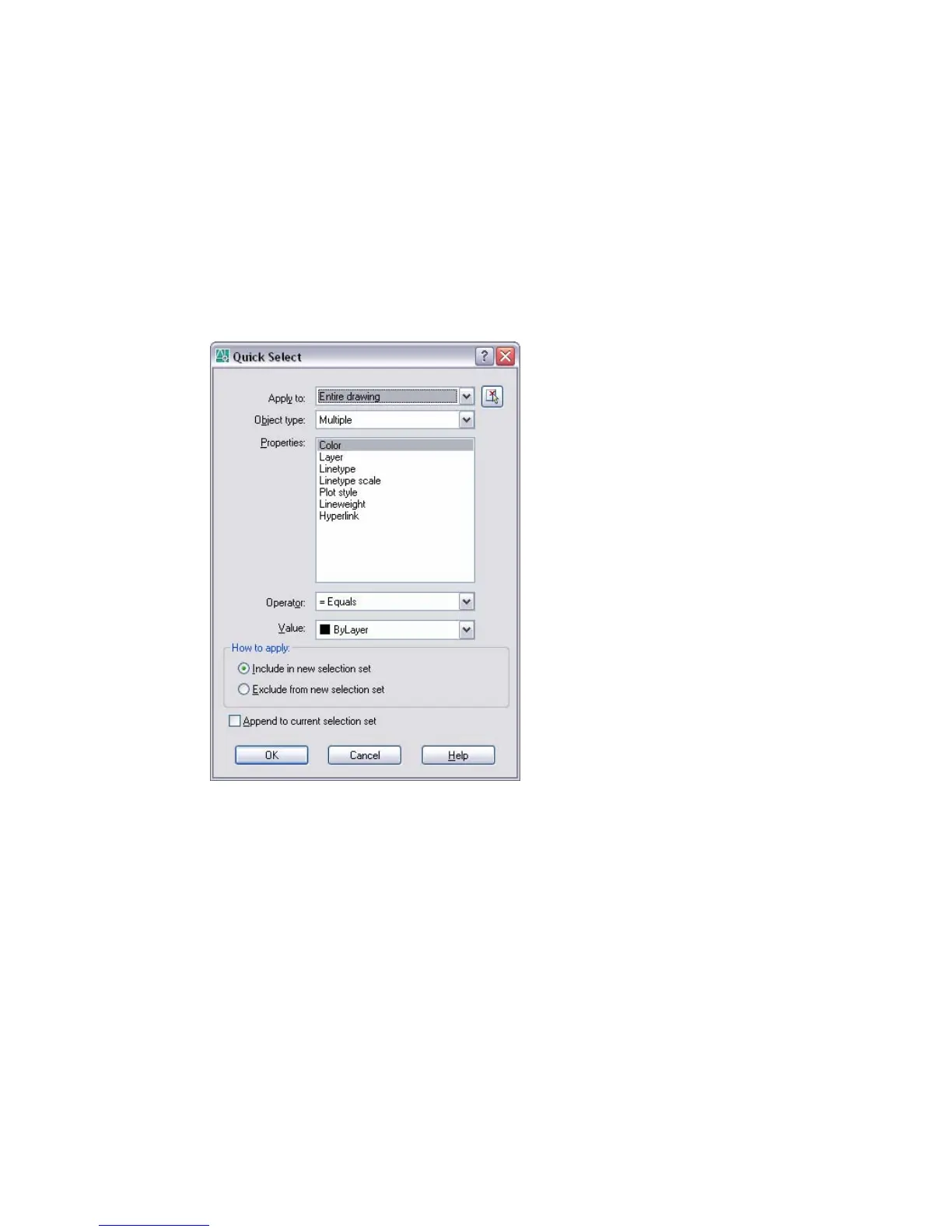
Quick Select Dialog Box
Tools menu:Quick Select
Shortcut menu: End any active commands, right-click in the drawing area,
and choose Quick Select.
Command line: qselect
Specifies the filtering criteria and how you want to create the selection set
from that criteria.
Append to Current Selection Set
Specifies whether the selection set created by QSELECT replaces or is
appended to the current selection set.
Apply To
Applies the filtering criteria to the entire drawing or to the current selection
set (if one exists). To select a group of objects to which you want to apply
the filtering criteria, use the Select Objects button. When you have finished
selecting objects, press ENTER to redisplay the dialog box. Apply To is set
to Current Selection.
946 | Chapter 18



 To Next Page