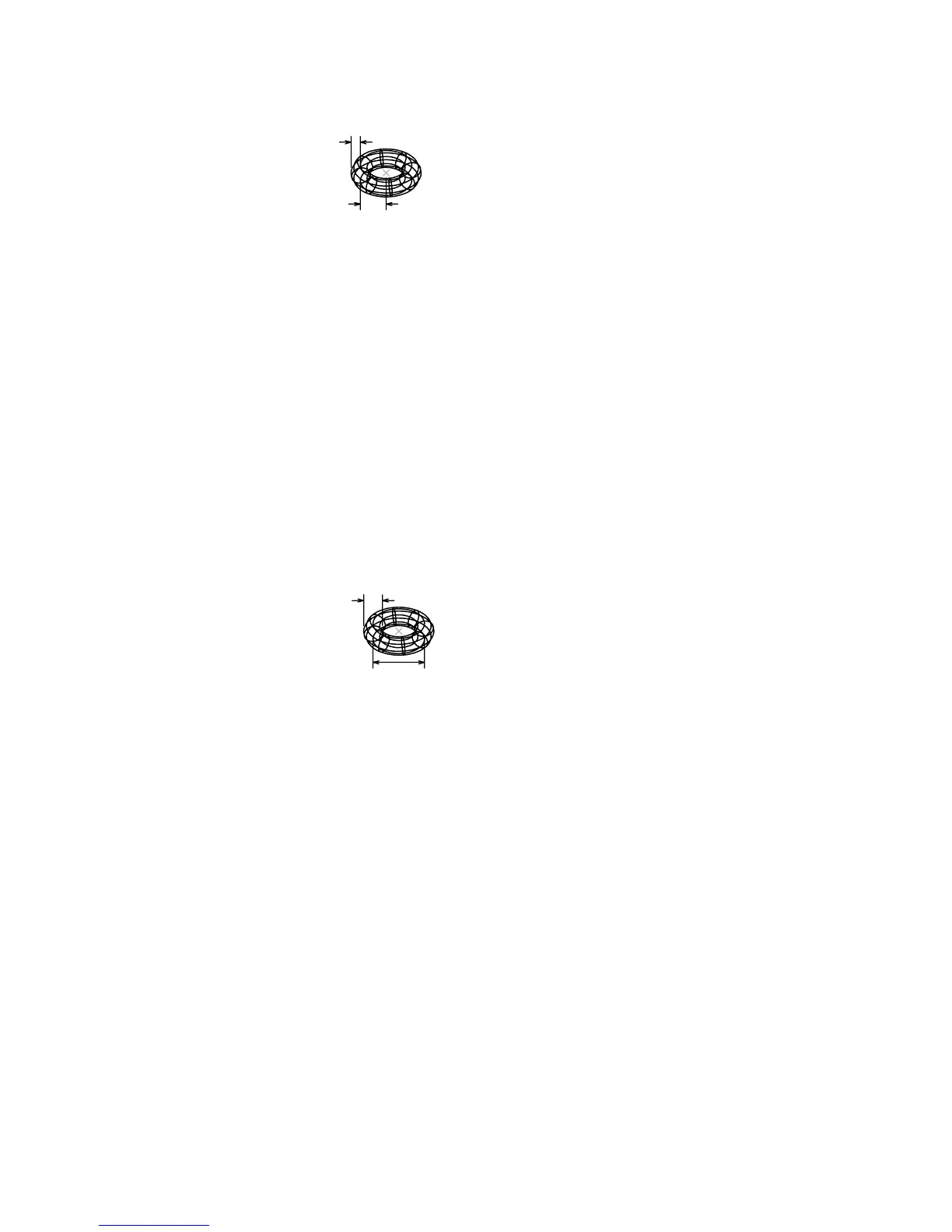
Diameter
Defines the diameter of the torus.
Specify diameter: Specify a distance
Specify radius of tube or [Diameter]: Specify a distance or enter d
Radius
Defines the radius of the tube.
Diameter
Defines the diameter of the tube.
Specify diameter: Specify a nonzero distance
TRACE
Creates solid lines
Command line: trace
Specify trace width <current>: Specify a distance or press ENTER
Specify start point: Specify a point (1)
Specify next point: Specify a point (2)
Specify next point: Specify a point (3) or press ENTER to end the command
The endpoints of a trace are on the center line and are always cut square.
TRACE automatically calculates the correct bevels for connection to adjacent
segments. Each segment is drawn after you either specify the next segment
Add Actions Dialog Box | 1213



 To Next Page