Rename Associated Drawing File to Match Sheet Title
When checked, changes the drawing file name to match the sheet title.
Sheet Title
Specifies the sheet title of the selected sheet.
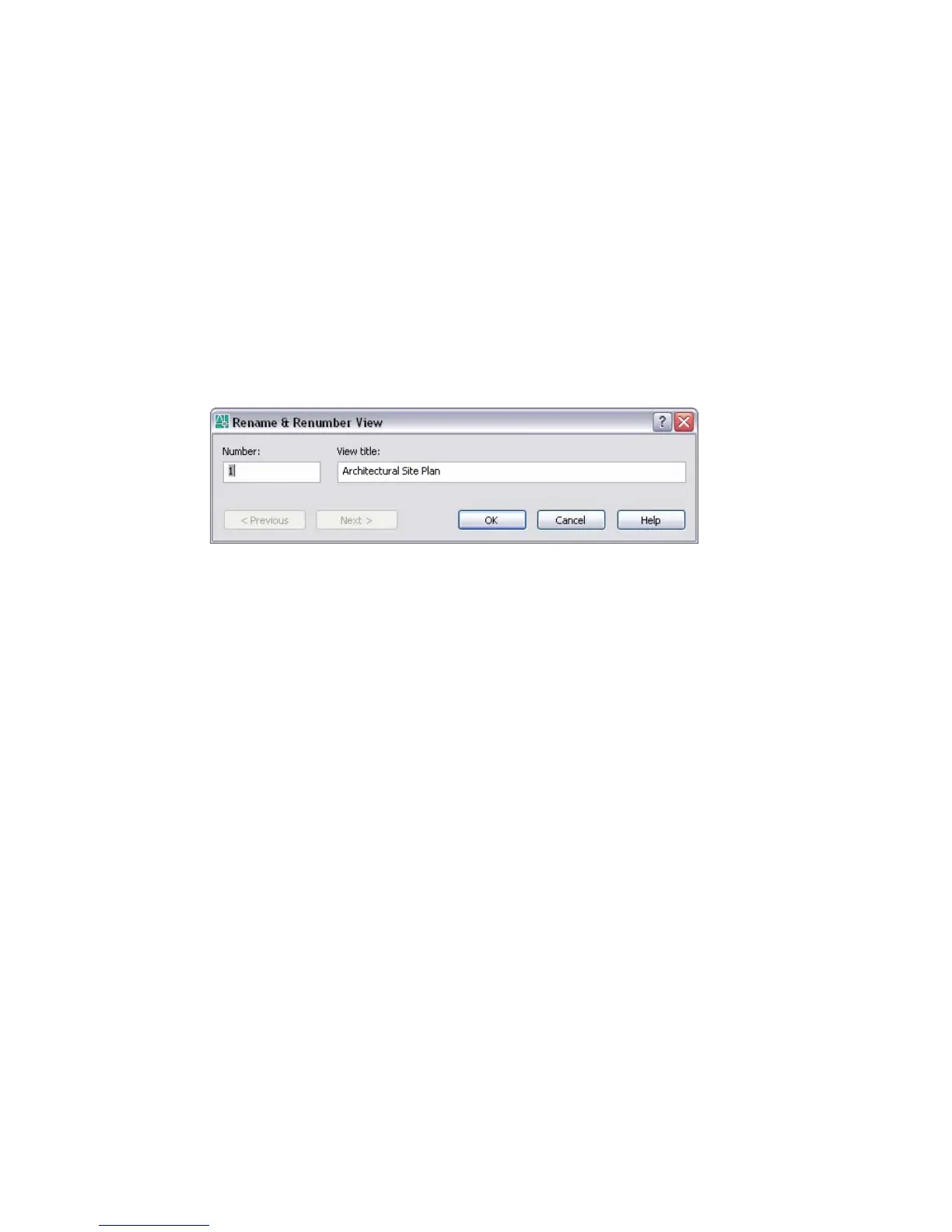
Rename & Renumber View Dialog Box
Tools Menu: Sheet Set Manager (View List tab)
Command line: sheetset
Specifies a sheet number and view title for a view in a sheet set.
Next
Loads the next view into this dialog box. This provides a convenient method
for renumbering or retitling a series of views.
Number
Specifies the sheet number of the selected view.
Previous
Loads the previous view into this dialog box. This provides a convenient
method for renumbering or retitling a series of views.
View Title
Specifies the view title of the selected view.
Import Layouts as Sheets Dialog Box
Tools Menu: Sheet Set Manager (Sheet List tab)
Command line: sheetset
Provides a method for quickly importing layouts into a sheet set, and specifying
which layout tab is to be used as the sheet.
1078 | Chapter 20



 To Next Page