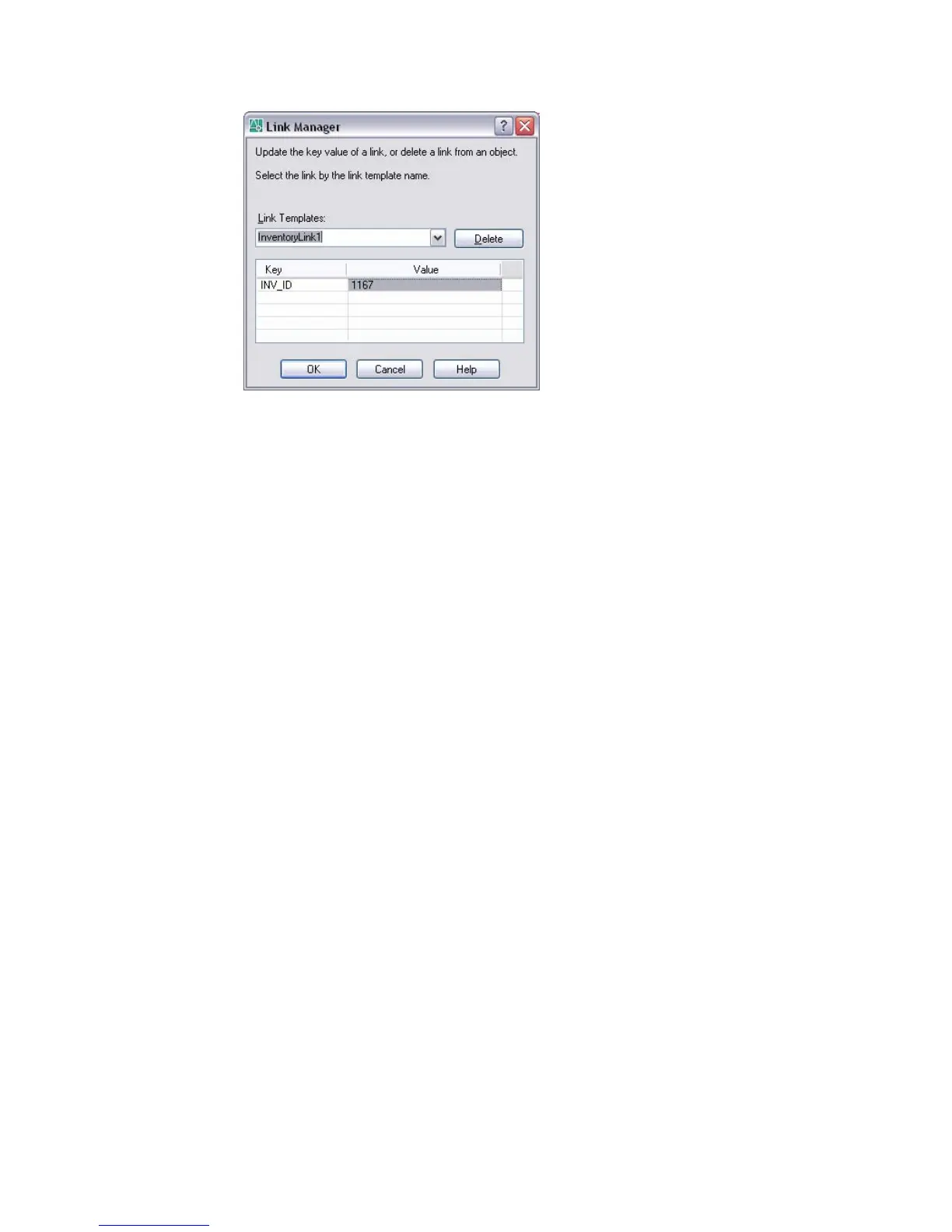
Delete
Deletes the currently selected link from the graphical object it’s associated
with.
Key
Displays the key fields of the currently selected link template.
Link Templates
Lists all link templates that are associated with the selected graphical object.
Select the link template whose link values you want to view or edit.
Value
Displays all key values that are defined for the selected link. To display a
list of values for a specific field, click a Value cell and choose [...].
Link Select Dialog Box
Constructs iterative selection sets of graphical objects and database records.
The Link Select dialog box, known as ASE Select in previous releases, is an
advanced implementation of the Query Editor. You begin a Link Select
operation by creating an initial query or selection set of graphical objects (set
A), which can be operated on by an additional query or selection set (set B).
The results of the returned operation become the new running selection set
(set A), and you can apply additional queries or selection sets to further refine
your running query.
In order to work with the Link Select dialog box, you must have a drawing
open that has a number of links already created. You can open this dialog box
using the following methods:
Link Select Dialog Box | 297



 To Next Page