Font Name
Lists the font family name for all registered TrueType fonts and all SHX
fonts in the Fonts folder. When you select a name from the list, the program
reads the file for the specified font.
Font Style
Specifies font character formatting, such as italic, bold, or regular. If the
missing font is a Big Font, this option changes to Big Font and lists all
available Asian-language Big Font files.
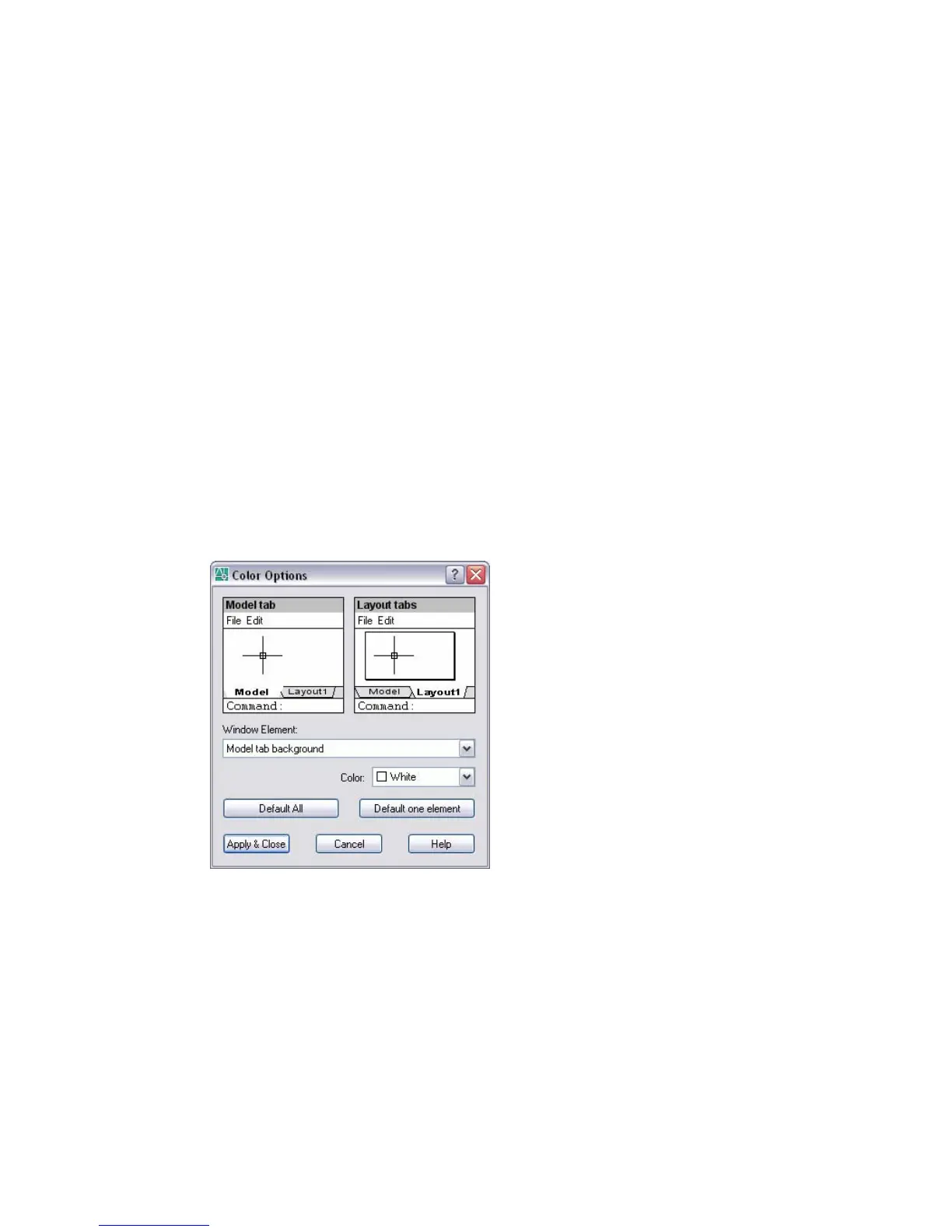
Color Options Dialog Box
Tools menu: Options (Options dialog box, Display tab)
Shortcut menu: Right-click in the command window, or (with no commands
active and no objects selected) right-click in the drawing area, and choose
Options.
Command line: options
Sets the display color of the main program window elements.
Model Tab
Displays the current settings for window elements in model space. To change
the color of a Model tab window element, click the specific element in the
Model Tab area or select it from the Window Element list, and then select a
color from the Color list. The window title bar and menu bar colors are
controlled by the Windows system settings.
796 | Chapter 16



 To Next Page