SECURITYOPTIONS
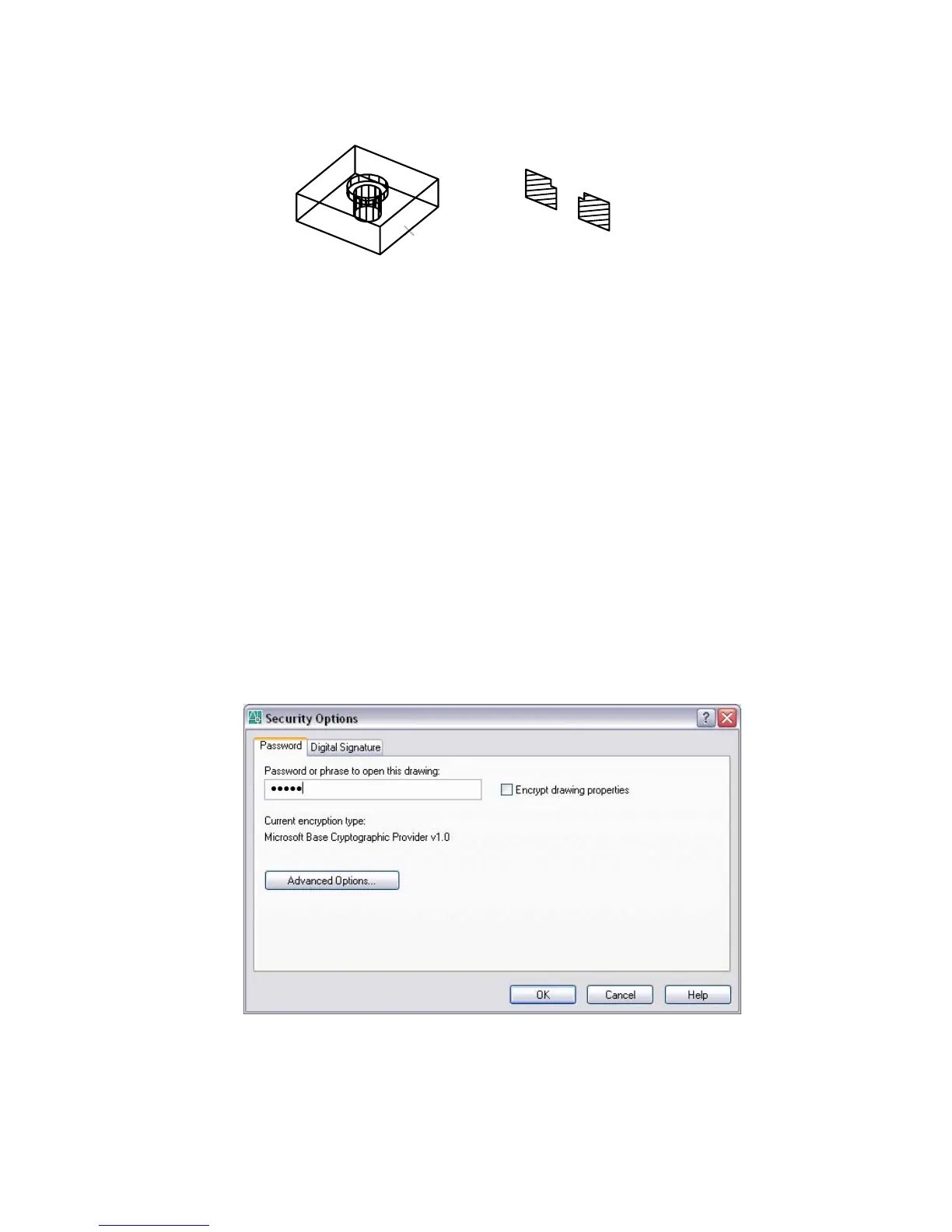
Controls security settings using the Security Options dialog box
Command line: securityoptions
The Security Options Dialog Box is displayed. You can add security settings
that are applied when you save the drawing.
Security Options Dialog Box
Command line: securityoptions
Specifies security settings to be used when your drawing is saved.
Password Tab (Security Options Dialog Box)
Adds a password to a drawing when the drawing is saved.
Security Options Dialog Box | 1045



 To Next Page