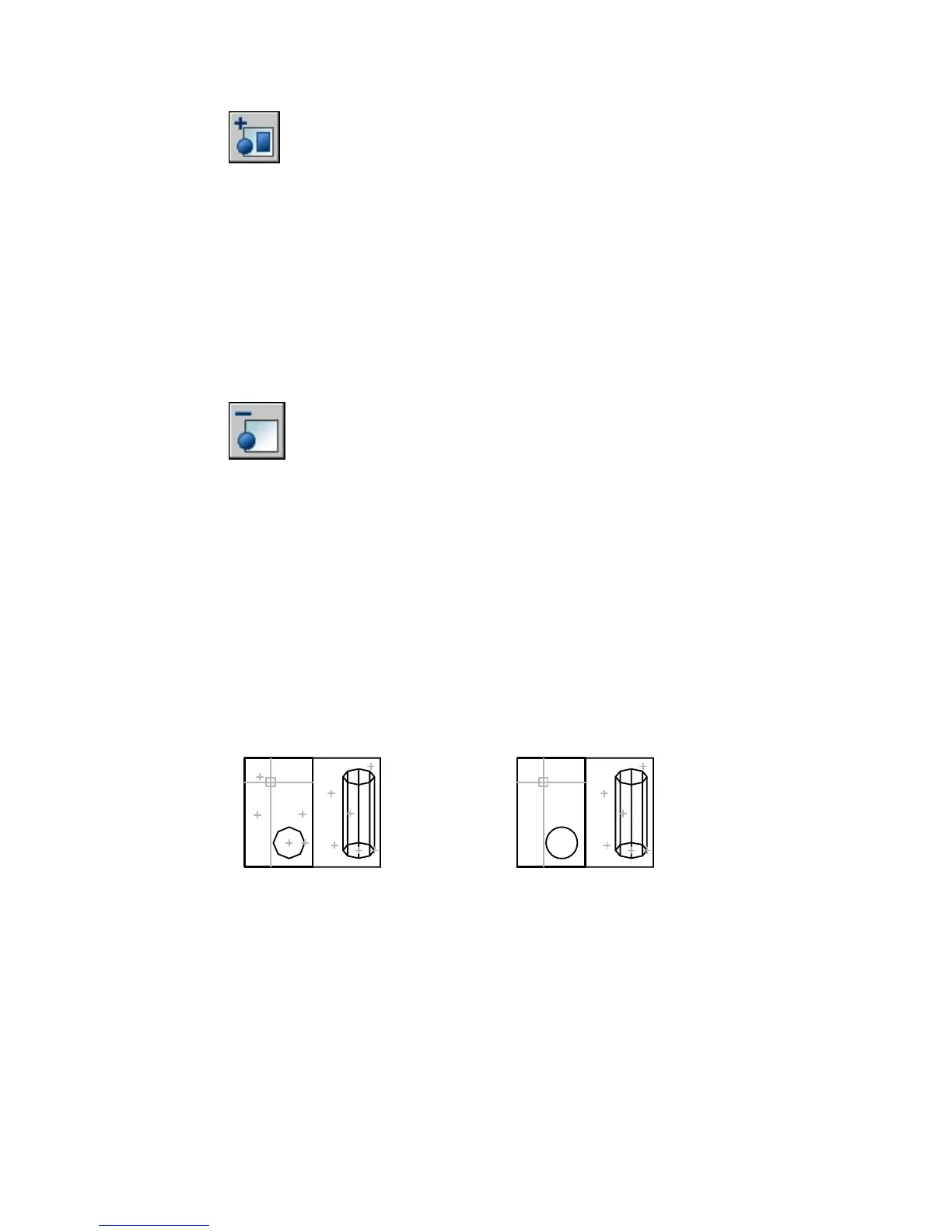
Remove
Removes objects from the working set.
Select objects: Select the objects you want to remove
An object that is removed from the working set is removed from the
reference when changes are saved back; the object is also removed from the
current drawing. The Remove from Workset button on the Refedit toolbar
prompts you to remove objects from the working set without using
REFCLOSE.
REGEN
Regenerates the entire drawing from the current viewport
View menu: Regen
Command line: regen
REGEN regenerates the entire drawing and recomputes the screen coordinates
for all objects in the current viewport. It also reindexes the drawing database
for optimum display and object selection performance.



 To Next Page