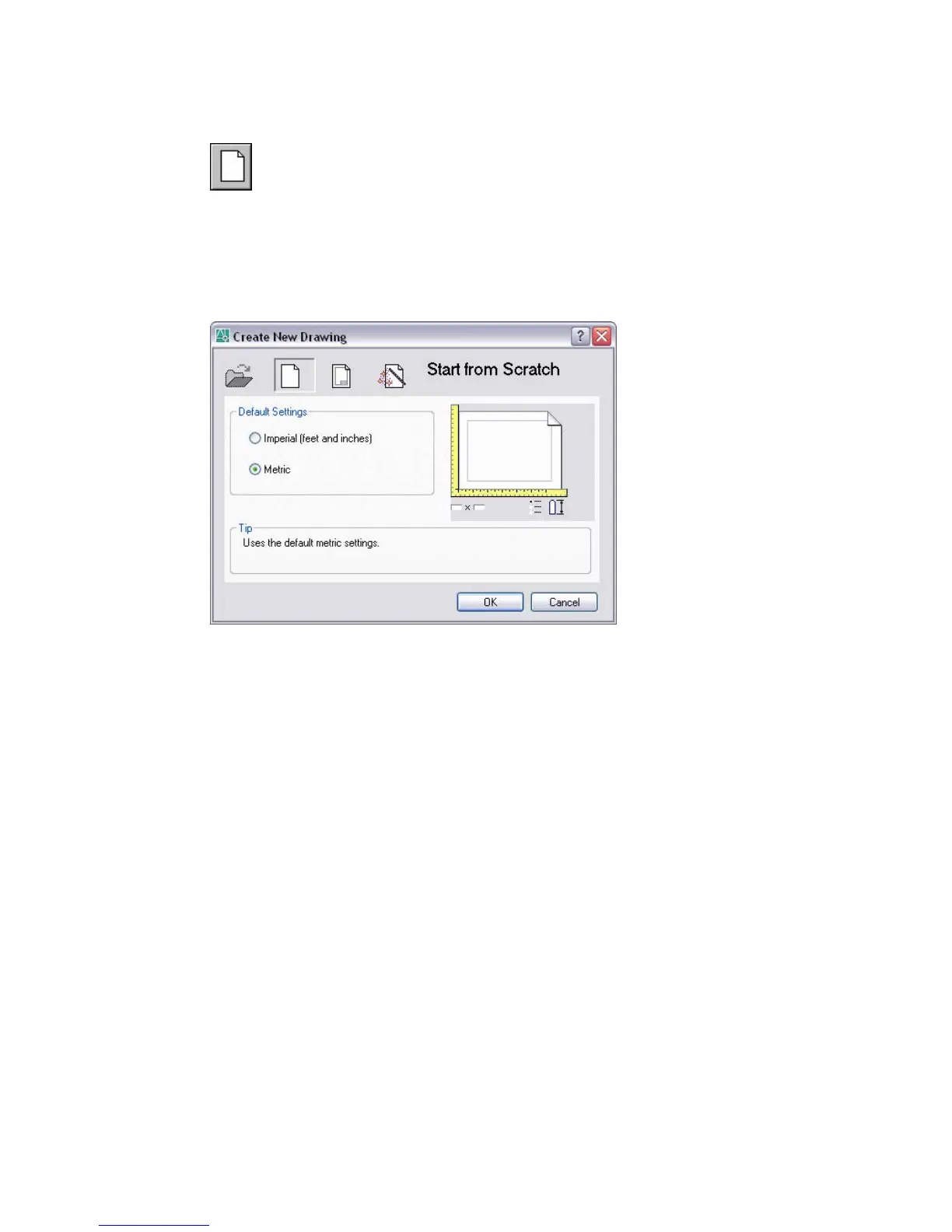
Start from Scratch
Starts an empty drawing using default imperial or metric settings
(MEASUREINIT system variable). You can change the measurement system
for a given drawing by using the MEASUREMENT system variable. The
Drawing1.dwg that opens when you start the program is a drawing that is
started from scratch.
Advanced Setup
Displays the Advanced Setup Wizard, in which you can specify the units,
angle, angle measure, angle direction, and area for your new drawing. The
Advanced Setup wizard also changes settings, such as text height and snap
spacing, to an appropriate scale.
Browse
Displays the Select a Template File dialog box (a Standard File Selection
Dialog Boxes), where you can access template files that are not available in
the Select a Template list.
Imperial
Starts a new drawing based on the imperial measurement system. The default
drawing boundary (the grid limits) is 12 by 9 inches.
Metric
Starts a new drawing based on the metric measurement system. The default
drawing boundary (the grid limits) is 429 by 297 millimeters.
728 | Chapter 15



 To Next Page