Supervisory
Operator's Handbook, Autroprime Interactive Fire Detection System, 116-P-APRIME-OPERATE/FGB Rev. B, 2009-10-28,
Autronica Fire and Security AS
Page 41
Step Actions to be
taken
Display Indication Audible Indication
4
To view detailed
information for the
selected point, press
then scroll downwards
to see all information.
5
Investigate the
scene(s) and carry out
the necessary actions.
Comments: Now you may acknowledge the point in Supervisory state (Acknowledge).
6
To acknowledge the
point in Supervisory
state, move back one
level using the Cancel
button
Comments: The point in Supervisory state can be acknowledged from the detailed
information window as well.
7
Scroll to select the
desired point, press
the Function button
,
then select
Acknowledge to
acknowledge the
selected point.
Press
Comments: When the point is acknowledged, an asterisk appears to the left of the point.
The yellow Supervisory indicator will go steady.
The system can now be reset.
8
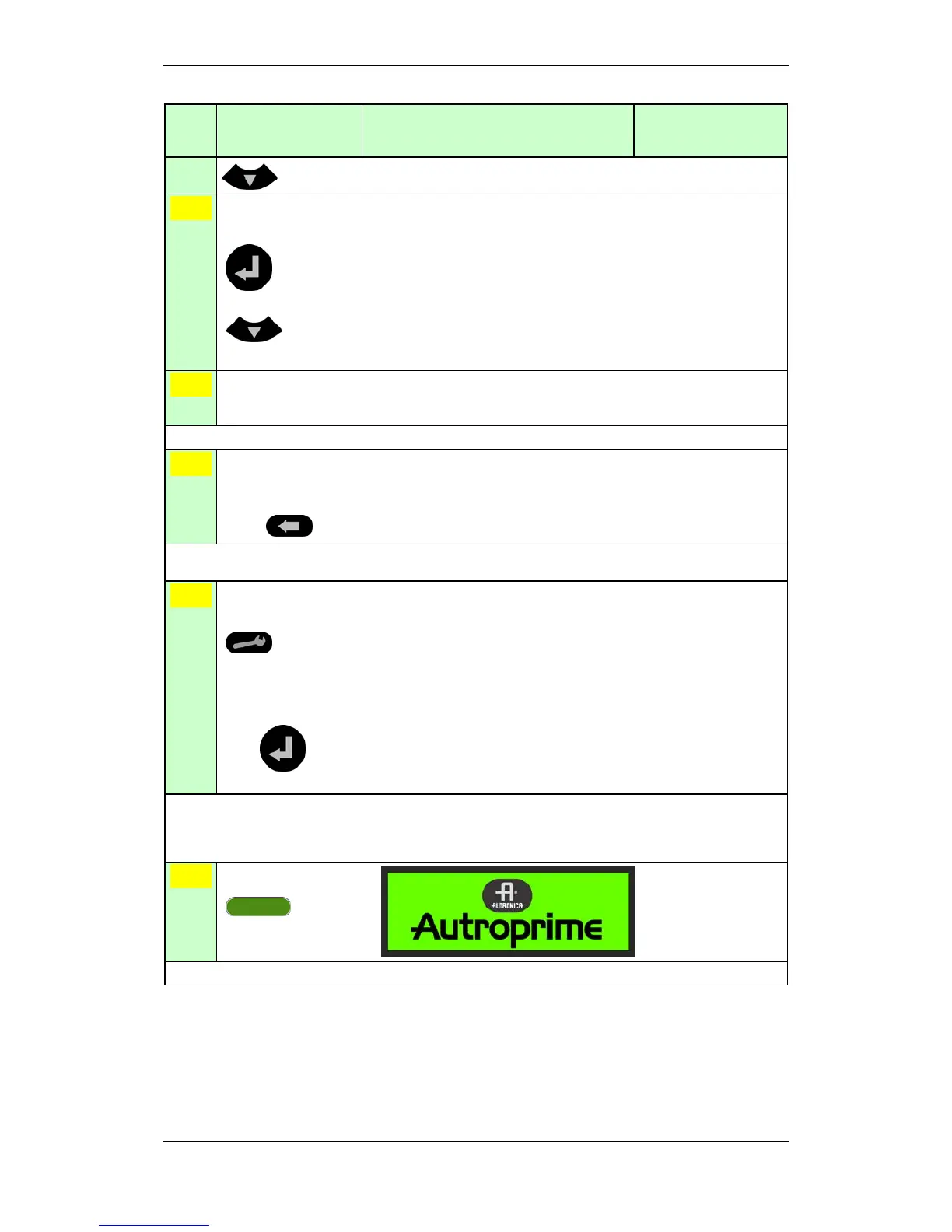
Press the green Reset
button.
Comments: The yellow Supervisory indicator goes off, and the panel enters its idle state.


 To Next Page
 Loading...