80 AVANIT SXHD
8. At Upgrade File, select the file copied in step 2.
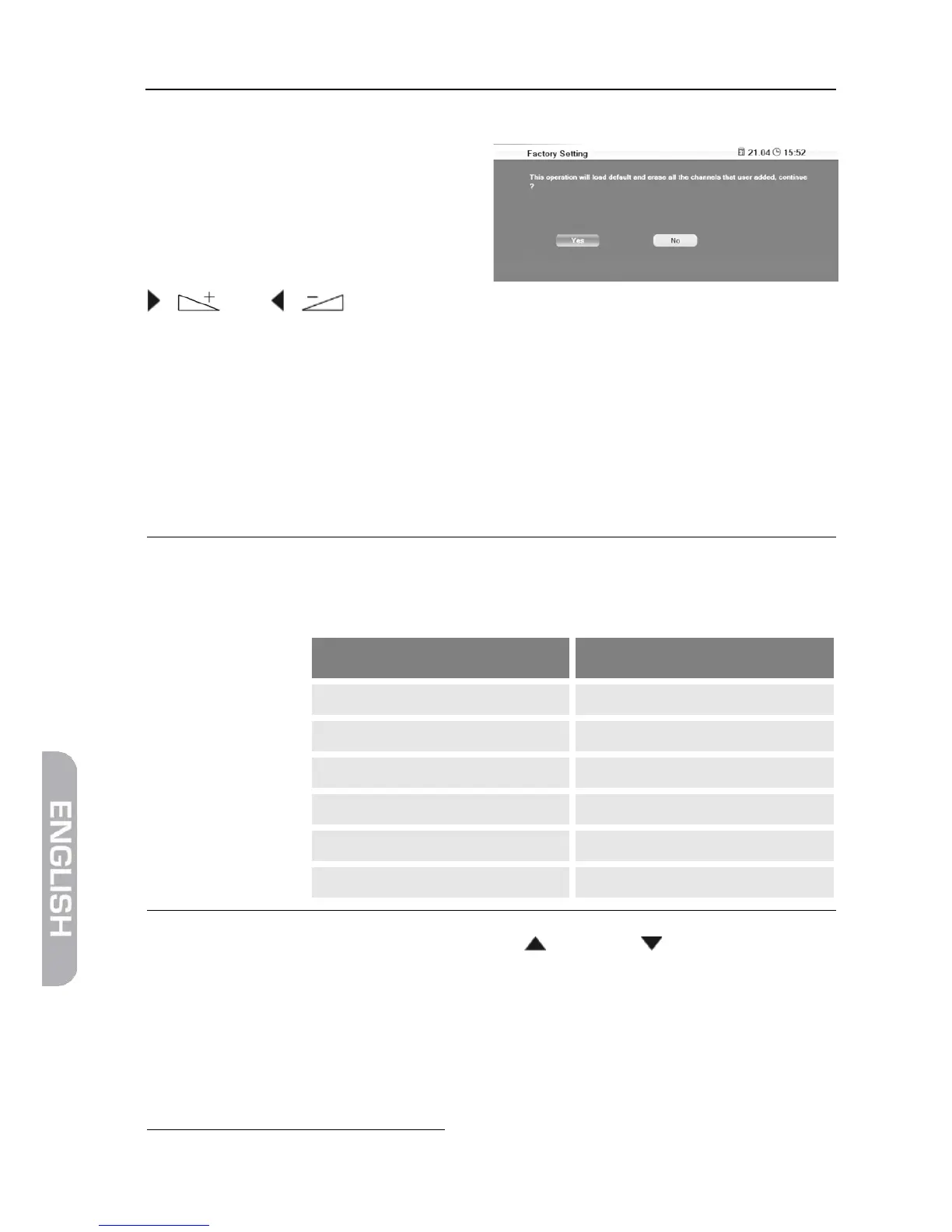
9. Select the Start button and con-
firm by pressing OK. The message
on the right will be displayed.
The upgrade will be performed after
selecting Yes by using the keys
/ and / and pressing OK. Then, the receiver will automatically
perform new start.
1.3.2 Software Update via Satellite
smart can also upload the update file on the satellite Astra 19.2° E. You can then
perform a so-called OTA
18
update:
1. In the menu Tools, select the submenu OTA Upgrade.
2. Leave all settings unchanged (factory settings).
The option of software update via satellite is only possible
via Astra 19.2°E. Correspondingly, all settings should be left
unchanged in the status as preset by AVANIT:
Line Target value
3. Mark the button Start by using the keys / PR+ and / PR-, and confirm
by pressing the OK key.
Now it is being checked if the software currently installed on the receiver is
up-to-date. If it is not up-to-date, then the current software version will be
downloaded via satellite and installed onto the receiver. After end of installa-
tion you will be asked if the update should be saved.
18
OTA = Over The Air = via Satellite



 To Next Page