128 AVANIT SXHD
Press the key 2 to configure a slide show
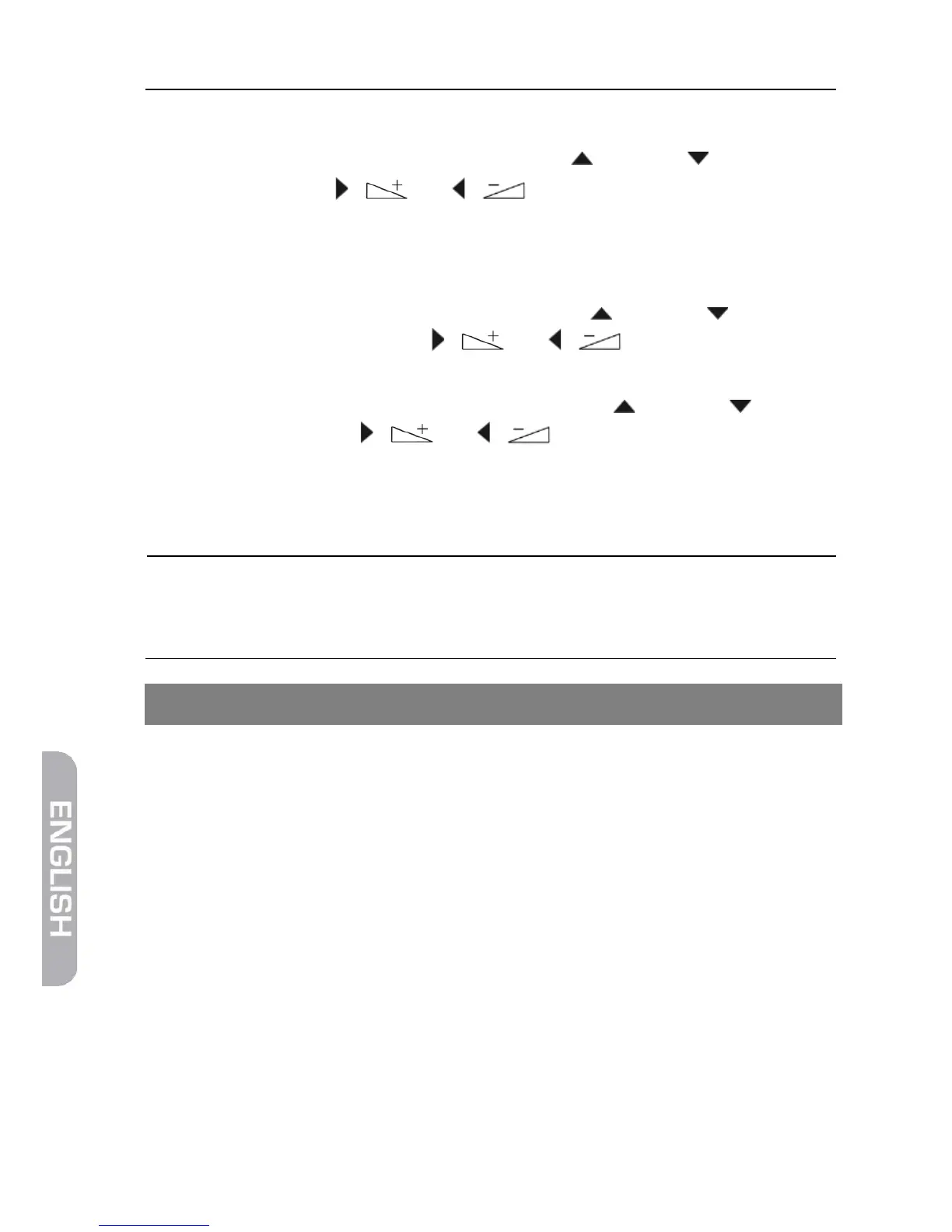
1. Select Slide Show Time by using the keys / PR+ and / PR-.
2. Using the keys / and / , select the time period between
displaying of two subsequent images (1 to 9 seconds).
When selecting Off, the first selected image will be continuously dis-
played on the screen.
3. Select Slide Show Repeat by using the keys / PR+ and / PR- to de-
termine by using the keys / and / if the slide show should
start again from the beginning after displaying the last image.
4. Select the line Save – Cancel by using the keys / PR+ and / PR-, and
then use the keys / and / to determine if the settings
should be saved or discarded, and confirm by pressing OK.
You will be directed back to the image list.
Press key 3 to display all images in the current directory.
You can also have images being displayed whilst music is
being played, e.g. by changing the file type during playback
of music (using key 0) and then starting a slide show.
7 Operation in a Unicable System
7.1 About Unicable
The HDTV receiver AVANIT SXHD allows for changing the receiving mode to the
unicable standard. This makes it possible - depending on the antenna type - to
connect up to eight independent receivers to only one main line.
For this, an own IF channel and a corresponding frequency should be set for
each receiver via the settings menu.
Allocation of channels and frequencies depends on the used LNBs and/or multi-
switches.
The data sheet and the technical documentation of your LNB and/or multi-
switch include an allocation table similar to the following table.



 To Next Page