AVANIT SXHD 19
4 Menu REC
The menu REC is divided into three sub-menus: Media Player, PVR Storage and
PVR Setting.
The Media Player is described in chapter 6 of the main manual. PVR Storage and
PVR Setting are explained in the next two sections.
4.1 PVR Storage
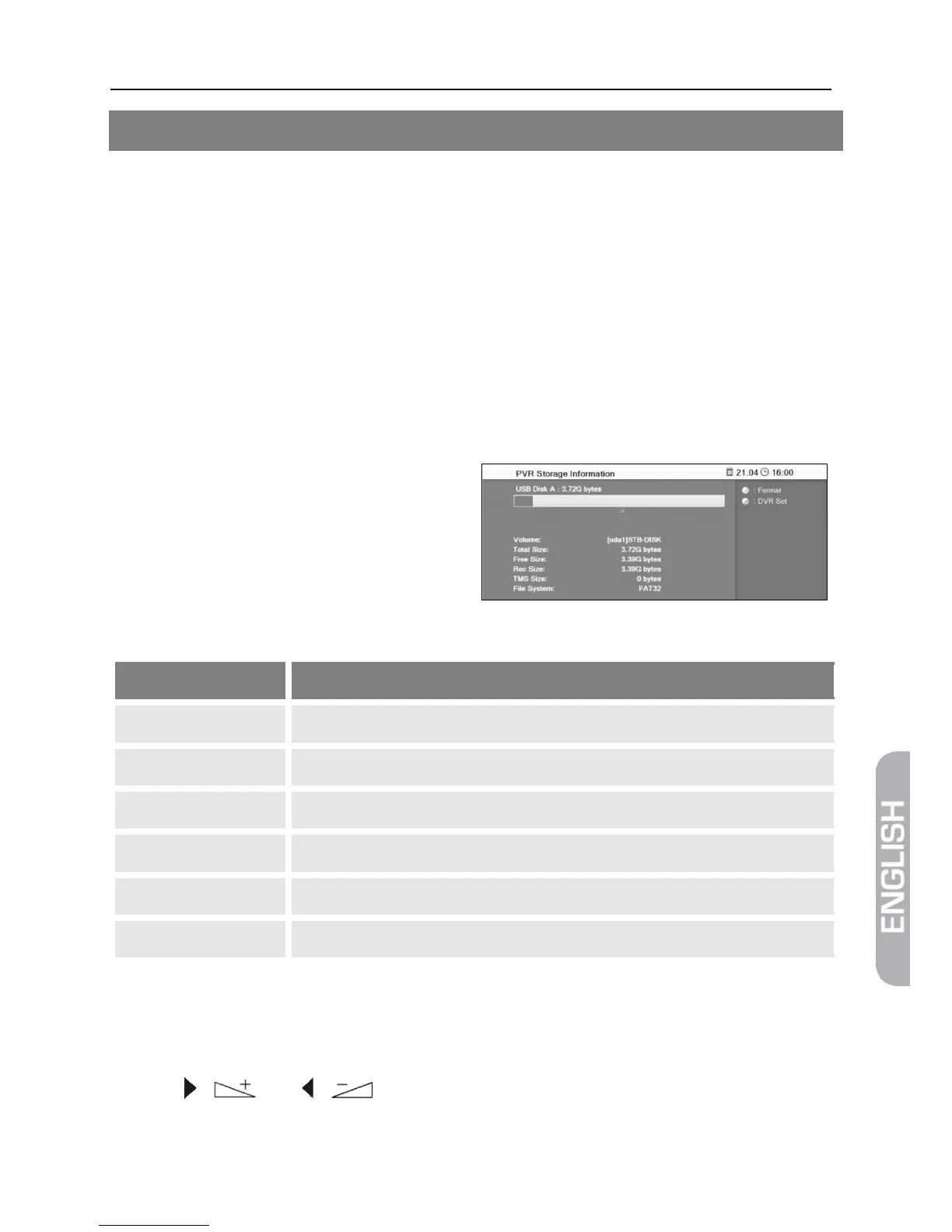
The sub-menu PVR Storage displays various properties of the connected USB data
storage. Here you can format the connected USB data storage or define default di-
rectories for TV recordings and timeshift files. Furthermore, you may define various
settings for video recording.
1. Press the key MENU.
2. Select PVR - Storage and confirm
by pressing OK. The window PVR
Storage will open.
4.1.1 Display
List entry Meaning
Volume
Name of data storage [uda1]Name
Total Size: Total size, e.g. 3.72 GB (for a 4GB stick)
Free Size: Free size on data storage (in GB)
Rec Size: Size already reserved for TV recordings and timeshift files
TMS Size Size used for timeshift operation
File System File system of data storage (FAT32 or NTFS)
4.1.2 Format Data Storage
1. Press the yellow function key.
2. Select the desired file system in the displayed window at Disk Mode by using the
keys / and / . A selection of the possible file systems is displayed
(FAT32 and NTFS).



 To Next Page