The green LED (light emitting diode) on the receiver front
panel does not light immediately after connecting the de-
vice to the power supply ("power LED"), but only after the
installation of programs is completed (either via RAPS or via
program scan), and a video signal is routed to the TV set.
If you plug the power cord for the first time, the LED lights
up only after installation. During later operation the receiv-
er’s program list already exists; it takes just a few seconds
from inserting the power plug until you see the green LED.
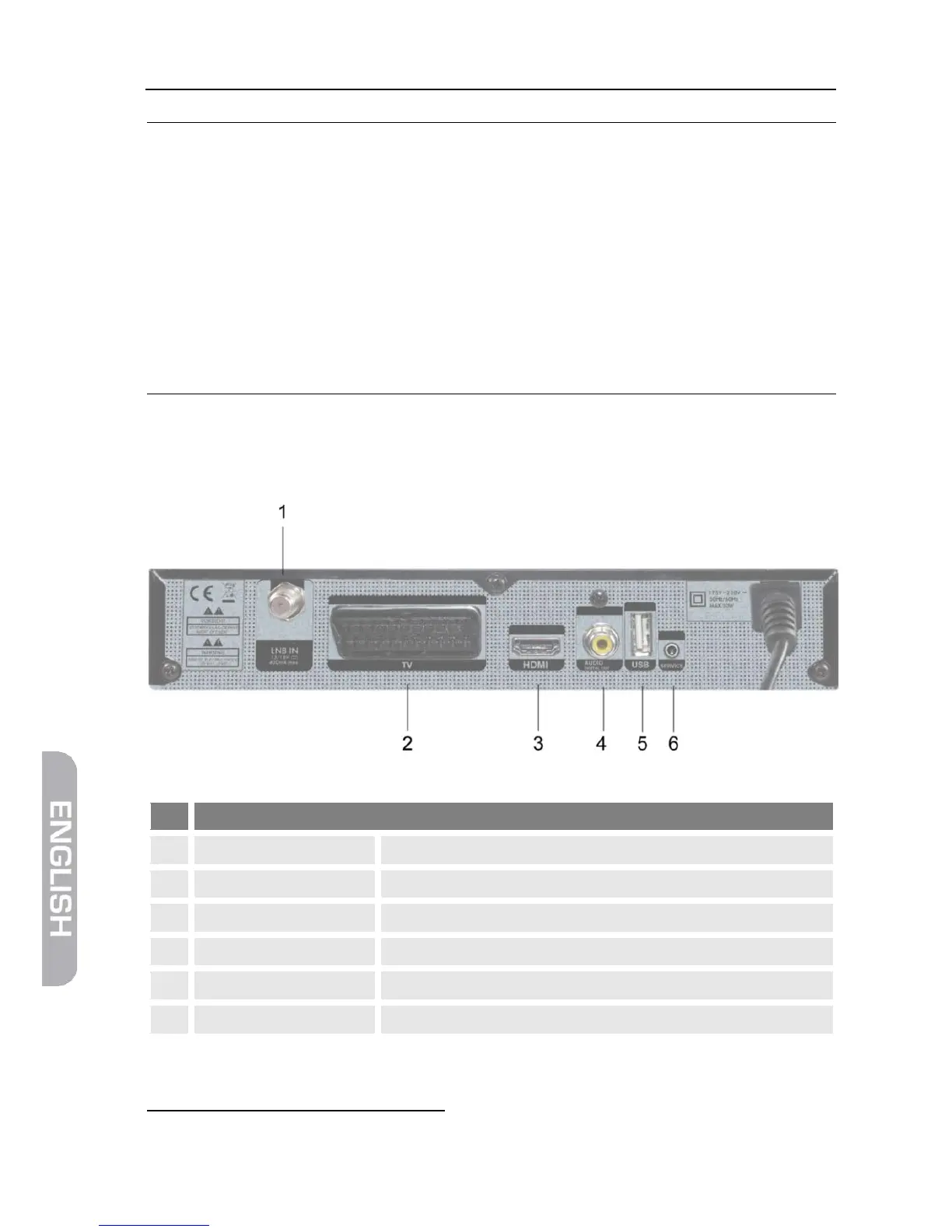
Connection for LNB (DVB-S)
SCART connection for TV device (analog)
Digital audio and video out
Digital RCA audio out (SPDIF)
Connection for external USB data storage
19
High Definition Multimedia Interface (engl.), interface for the fully digital transfer of audio and
video data.



 To Next Page