AVANIT SXHD 103
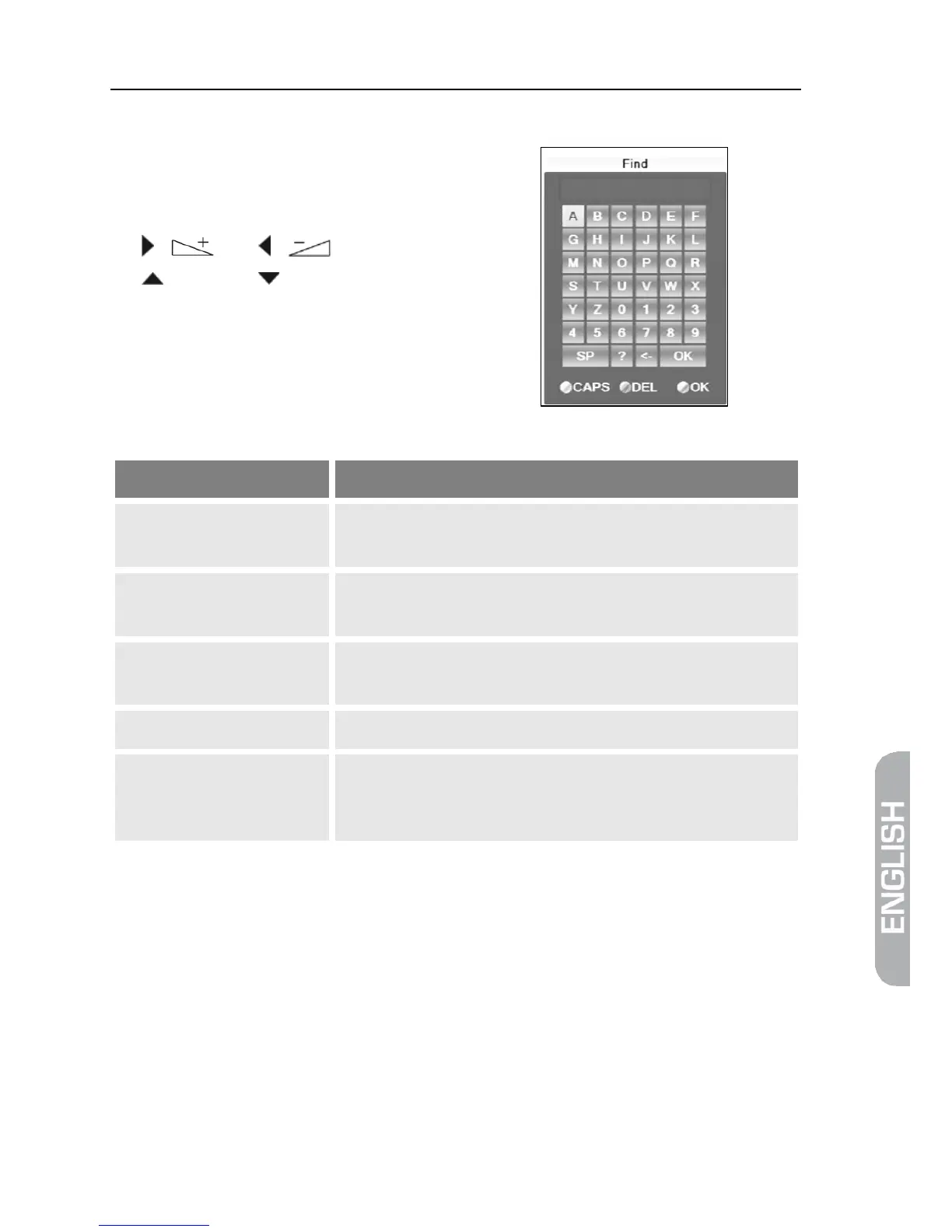
5.8.3.3 Find Channels (by Alphabet)
1. Press the FIND key, to open the
window Find.
2. Select a character by using the keys
/ and / as well as
/ PR+ and / PR- and respec-
tively confirm by pressing OK to ac-
cept such character in the field for
the name or part of the name of the
desired channel.
Additionally to letters and numbers, there are also special buttons:
Button Meaning
CAPS
(yellow function key)
Changes between upper-case and lower case
(only effective with letters).
DEL
(red function key) or <-
Deletes the last entered character.
OK
(blue function key)
Closes the windows.
SP
Enters a space character.
?
The question mark as first character has a wildcard func-
tion. Example: "?R" searches for all channel names that



 To Next Page