Extended Settings and Functions
AVANIT SXHD 111
. If you want to move more than one
channel, then mark further channels by using the keys / PR+ and / PR-,
and respectively confirm by pressing OK. The channels to be moved should
not be necessarily in an uninterrupted sequence.
Example:
Before moving – three channels
are marked
After moving
3. Select the channel number to which the channel/channels are to be moved
to by using the keys / PR+ and / PR-, and again press the yellow func-
tion key.
4. Press the EXIT key to leave the function Move.
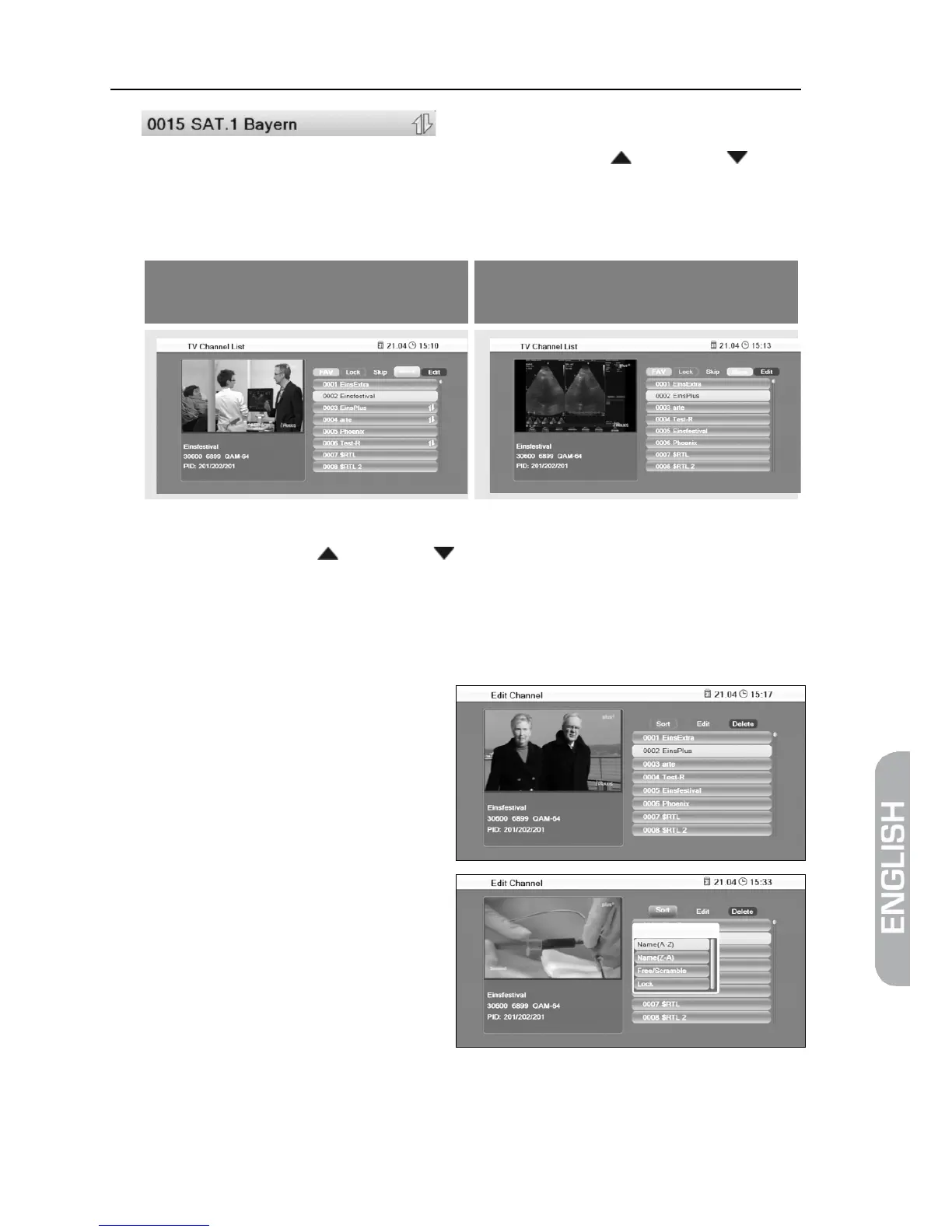
6.1.1.5 Sort Channel List
1. Press the blue function key (Ed-
it). The window Edit Channel will
open.
2. Press the red function key
(Sort) to open a window for de-
termining sorting criteria.
3. Select Name(A-Z) to sort the channel list in ascending alphabetical order.
or
Select Name(Z-A) to sort the channel list in descending alphabetical order.



 To Next Page