AVANIT SXHD 127
Instead of deleting individual tracks, you may also remove all tracks
from the play list:
1. Press the yellow function key to remove all tracks from the play list.
You will be asked if you really want to delete all entries.
2. Select Yes or No by using the keys / and / , and confirm by
pressing OK.
When stating No, you will be directed back to the play list. When stating
Yes, the play list will be completely deleted and you will be directed to
the start window of the Media Player.
Press the blue function key to go to the Edit mode. Here you can
− rename tracks by pressing the red function key;
− copy tracks by pressing the green function key;
− and delete tracks by pressing the yellow function key;
− as well as create new folders by pressing the blue function key.
Press the EXIT key twice to leave the Edit mode. You will be directed back to
the initial window of the Media Player.
Press key 1 to sort the displayed tracks by name, play time, file size or favor-
ites. Favorites are the tracks that are included in the current play list.
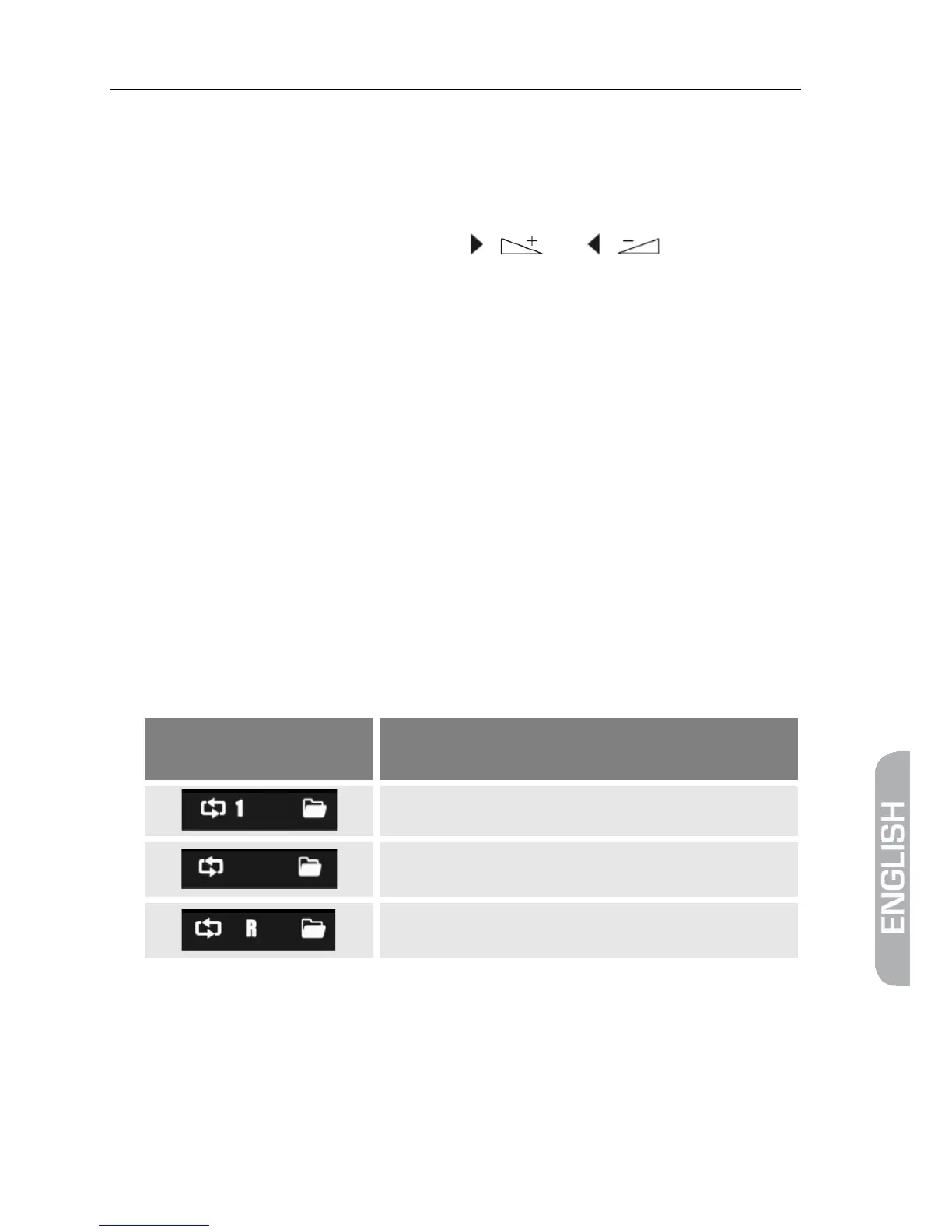
Press key 2 to change the playback mode:
Symbol in Media Player-
window
Meaning
order and are then repeated.
Press the EXIT key to close the Media Player and to return to the menu REC.
6.5.2 Example: Images
The basic steps with image files only slightly differ from the steps with music
files (automatic playback of a number of images). The differences are included in
the functions available by pressing the keys 2 and 3:



 To Next Page