100 AVANIT SXHD
• Channel selection via search function;
as explained in the following sections.
5.8.1 Direct Channel Selection
Select the desired channel by using the keys / PR+ and / PR-.
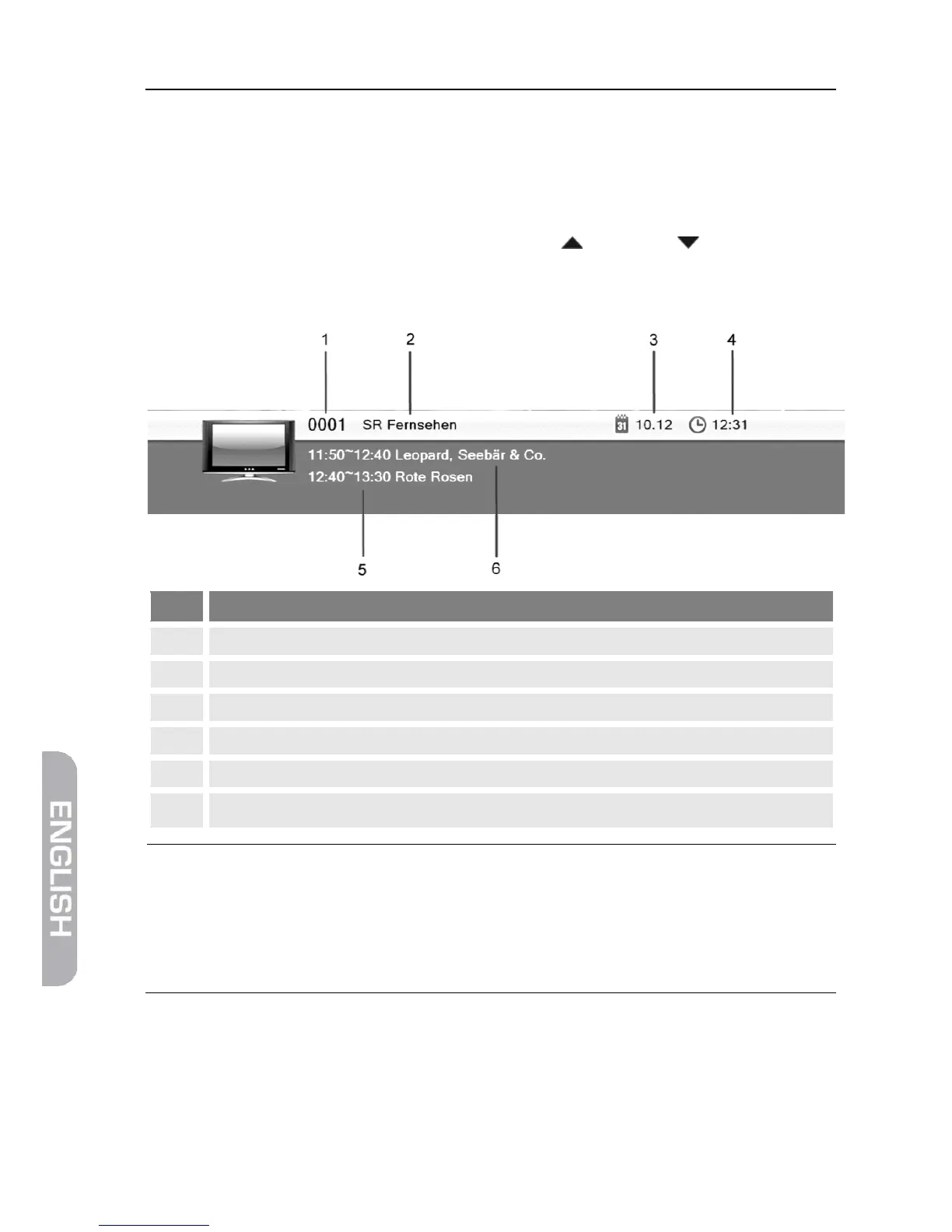
With each change of channel, an information window with information on the
current channel will be displayed:
Press the INFO key to call this window at any time.
Set display time at OSD Timeout (see section 6.3.2, page
56).
Press EXIT two times to close the information window.



 To Next Page