AVANIT SXHD 93
Every time you switch off your receiver, RAPS checks whether there are any
changes with the channel lists (RAPS scan). This only takes a few seconds.
In case of changes, the new data are automatically included into the new chan-
nel list (RAPS download) and displayed in a table. If a channel changes the re-
ceive parameters, then this is automatically updated by RAPS. In case of new
channels, such channels are added. If channels are permanently discontinued,
then the corresponding channel number is deleted.
However, new channels are not only added, but allocated to logic blocks, corre-
spondingly enabling easier finding. That is why certain areas may remain free.
Example: For Germany, there is the basic list as well as the areas Third Channels,
Info+Sports, Special Interest, Local TV, as well as News starting at channel num-
ber 100 and many Music Channels starting at channel number 123.
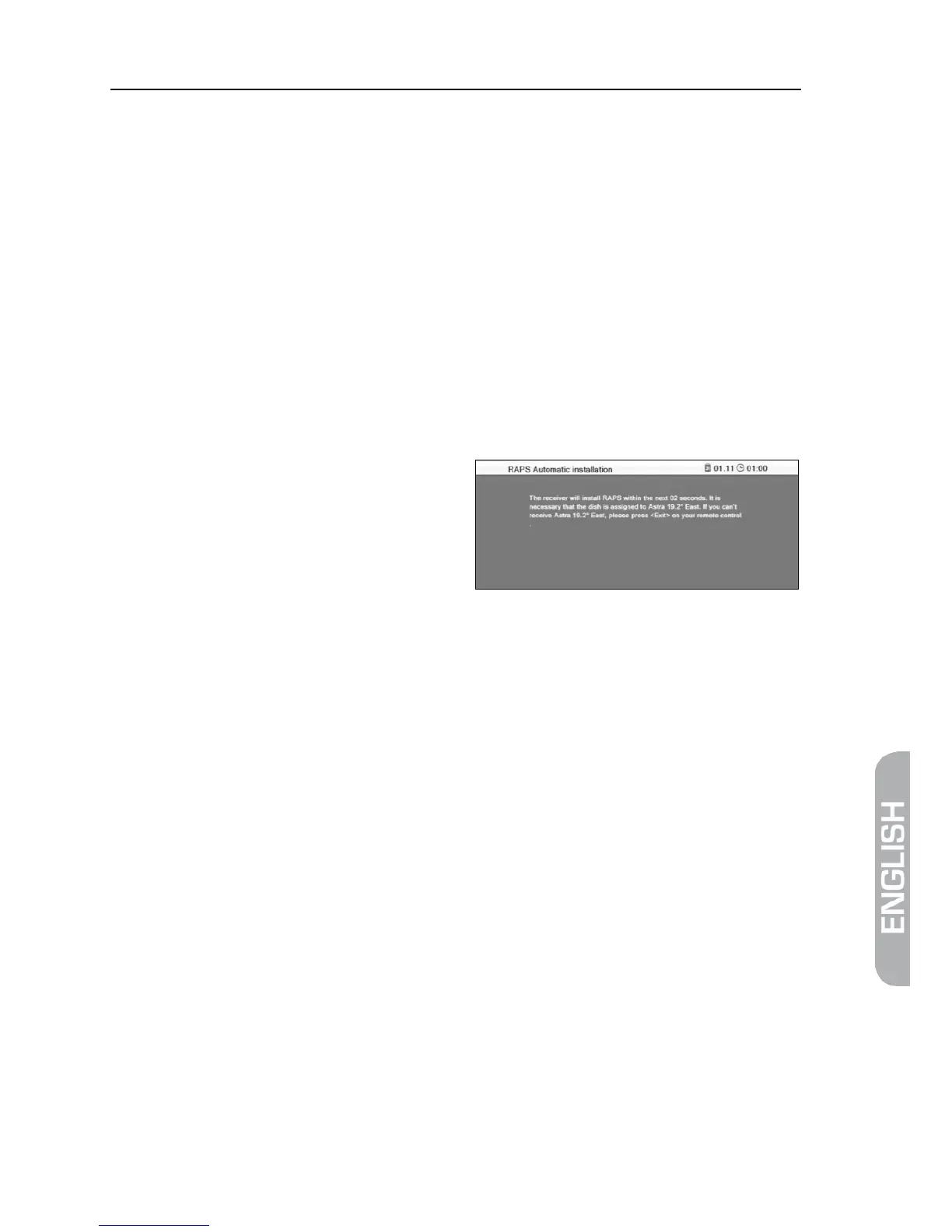
The then displayed channel list is a preprogrammed factory list. However, such
list is not updated via satellite due to cancelled RAPS installation!
The respective up-to-date RAPS lists are available via the satellite Astra 19.2°.
Correspondingly, RAPS can only be used within the footprint of the satellite
Astra 19.2°; furthermore, your system should be suitable for digital Astra receiv-
ing.



 To Next Page