Contents
Chapter 1: New in this release...........................................................................................
5
Features....................................................................................................................................................
5
Cisco CLI Phase 1............................................................................................................................
5
Disable MAC Learning.....................................................................................................................
5
Equal Cost Multi Path (ECMP).........................................................................................................
5
Internet Group Management Protocol (IGMP) Querier....................................................................
6
Internet Group Management Protocol (IGMP) version 3 Snooping and Proxy................................
6
IP Phone automatic PoE changes....................................................................................................
6
Layer 3 Brouter Port.........................................................................................................................
6
Many to Many Port Mirroring............................................................................................................
6
MLT/DMLT/LAG Dynamic VLAN changes........................................................................................
7
Network Time Protocol (NTP)...........................................................................................................
7
Ping Source Address........................................................................................................................
7
Secure File Transfer Protocol (SFTP)..............................................................................................
7
SFP Plus..........................................................................................................................................
7
Show Flash command......................................................................................................................
8
SSH Client........................................................................................................................................
8
SSH RSA Authentication..................................................................................................................
8
Stack Health Monitoring and Recovery............................................................................................
8
Static FDB MAC Entry......................................................................................................................
9
Terminal Mode Permanent Setting...................................................................................................
9
VLAN Scaling...................................................................................................................................
9
Voice VLAN Integration....................................................................................................................
9
Other changes...........................................................................................................................................
9
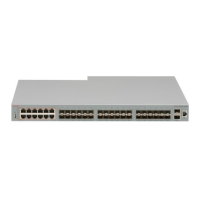
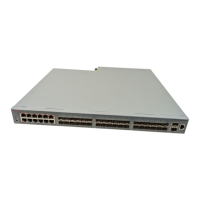
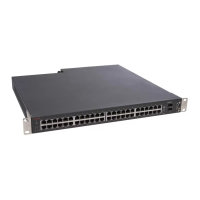
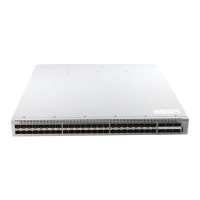
New Avaya Ethernet Routing Switch 4000 Series models...............................................................
10
Avaya Identity Engines Ignition Server.............................................................................................
10
Diagnostic Auto Unit Replacement (DAUR).....................................................................................
11
Enterprise Device Manager enhancements.....................................................................................
11
Chapter 2: Feature licensing fundamentals.....................................................................
13
Feature licenses........................................................................................................................................
13
License generation....................................................................................................................................
14
Generating a license file............................................................................................................................
14
Installing a license file...............................................................................................................................
16
Displaying licenses....................................................................................................................................
16
Deleting a license......................................................................................................................................
17
License transfer.........................................................................................................................................
17
Special cases with software licensing..............................................................................................
18
Chapter 3: User interface fundamentals...........................................................................
19
ACLI concepts...........................................................................................................................................
19
ACLI command modes.....................................................................................................................
19
ACLI access procedures..................................................................................................................
21
ACLI help..................................................................................................................................................
22
Enterprise Device Manager concepts.......................................................................................................
24
Supported Web browsers.................................................................................................................
25
Fundamentals December 2011 3




 To Next Page