4
[Note] The VC520 Pro can support up to four expansion microphones, however, the daisy-chain
expansion cable cannot exceed over 40m in total.
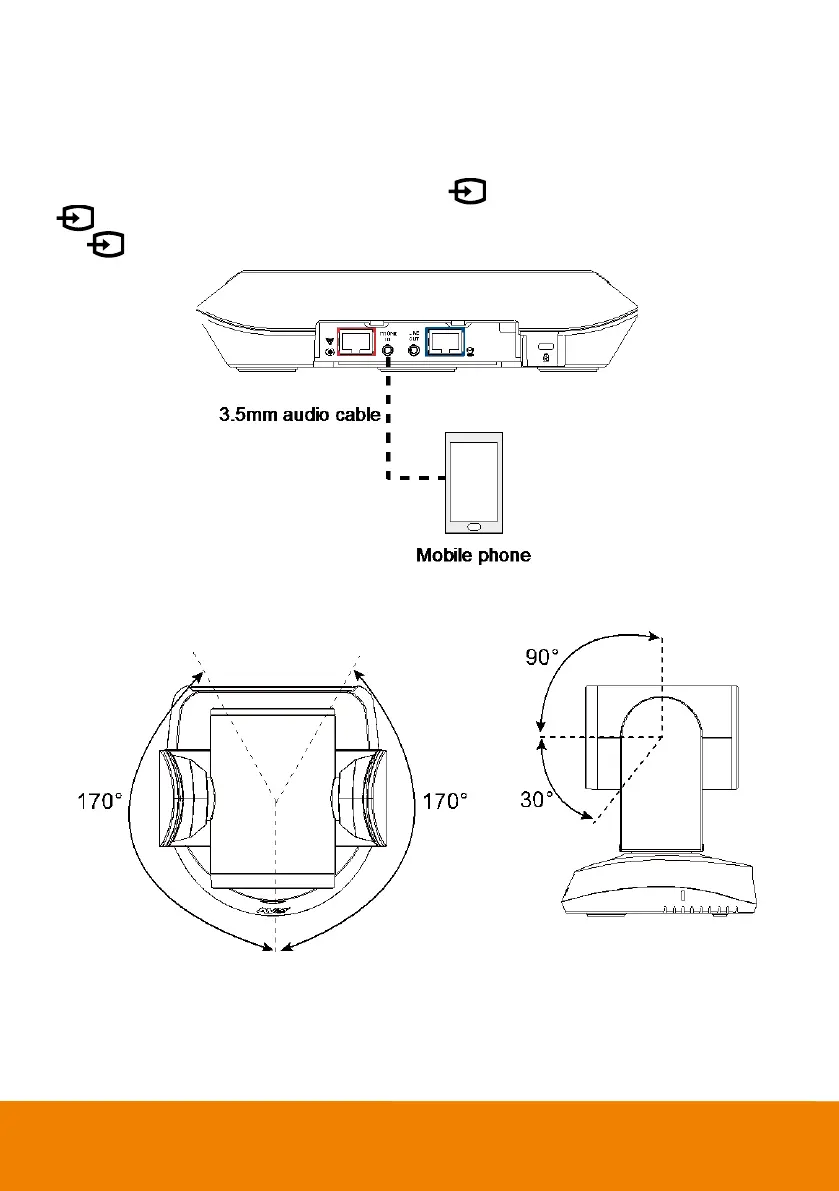
Phone in Connection
Users can connect a mobile phone to the Phone in port on the speakerphone as a hands-free speaker.
When the device connects with the speakerphone, the icon will light up in blue. Touching the
icon will temporarily disconnect the connection of the device with the speakerphone; touching
the icon again will resume the connection.
Pan and Tilt Angle



 To Next Page