22
Use SmartFrame Function
What is SmartFrame?
SmartFrame uses face detection technology. While in a conferencing meeting, participants must face
the camera for face detection. Side face (one ear/ one eye) is not detectable.
The effective distance to get best performance is at maximum 4.5meters
Two kinds of SmartFrame Function
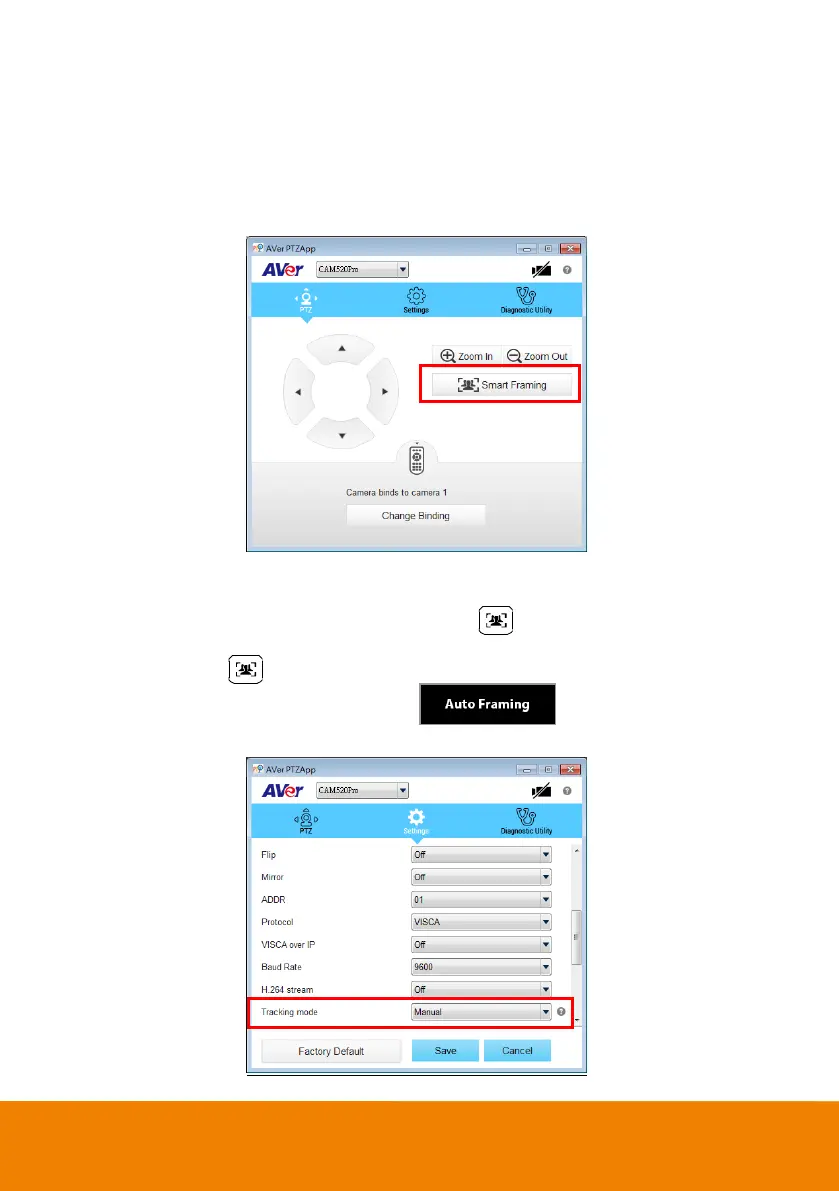
Manual frame: Once all participants are seated, press on the remote or use PTZApp to
activate it.
Auto frame: Press for 1 second to switch from manual to Auto framing or use PTZApp and
change the setting to Auto frame. You can see shown on the bottom of the
image screen.



 To Next Page