32
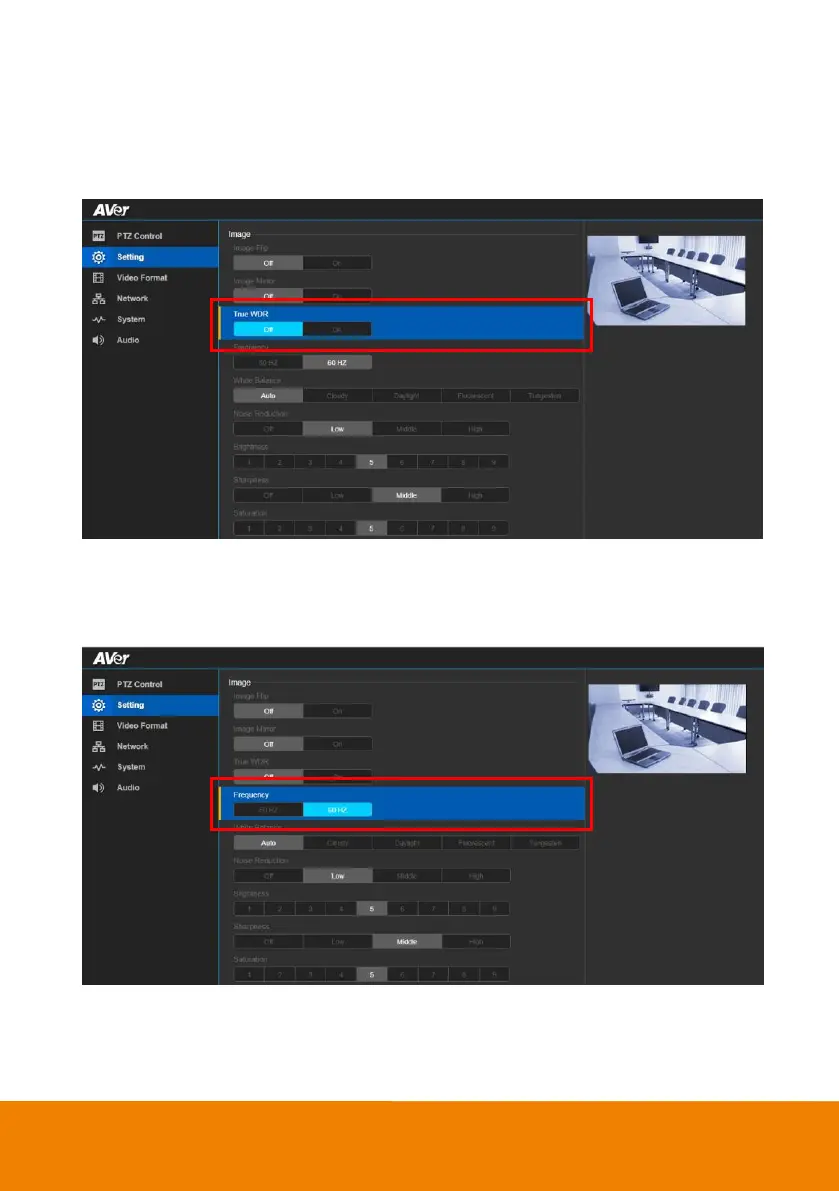
True WDR
In back light environment, enabling WDR can improve the brightness of image.
Select Setting > Image > True WDR > Off or On.
[Note] While WDR is on, the frame rate will drop and cause image blur if there are moving objects.
Please turn off WDR when in normal light conditions.
Frequency
Select the frequency of the camera.
In live screen view, select Setting > Image > Frequency > 50Hz or 60Hz.



 To Next Page