52
Operating the AVer PTZApp
Install AVer PTZApp
Please go to http://www.aver.com/download-center to download the AVer PTZApp. After downloading,
double-click on the file and follow the on-screen instructions to complete the installation.
Use AVer PTZApp to Setup the Camera
1. Run your video application.
2. During your video call, you can use the AVer PTZApp to pan, tilt and zoom the camera in/out and
enable/disable the backlight feature.
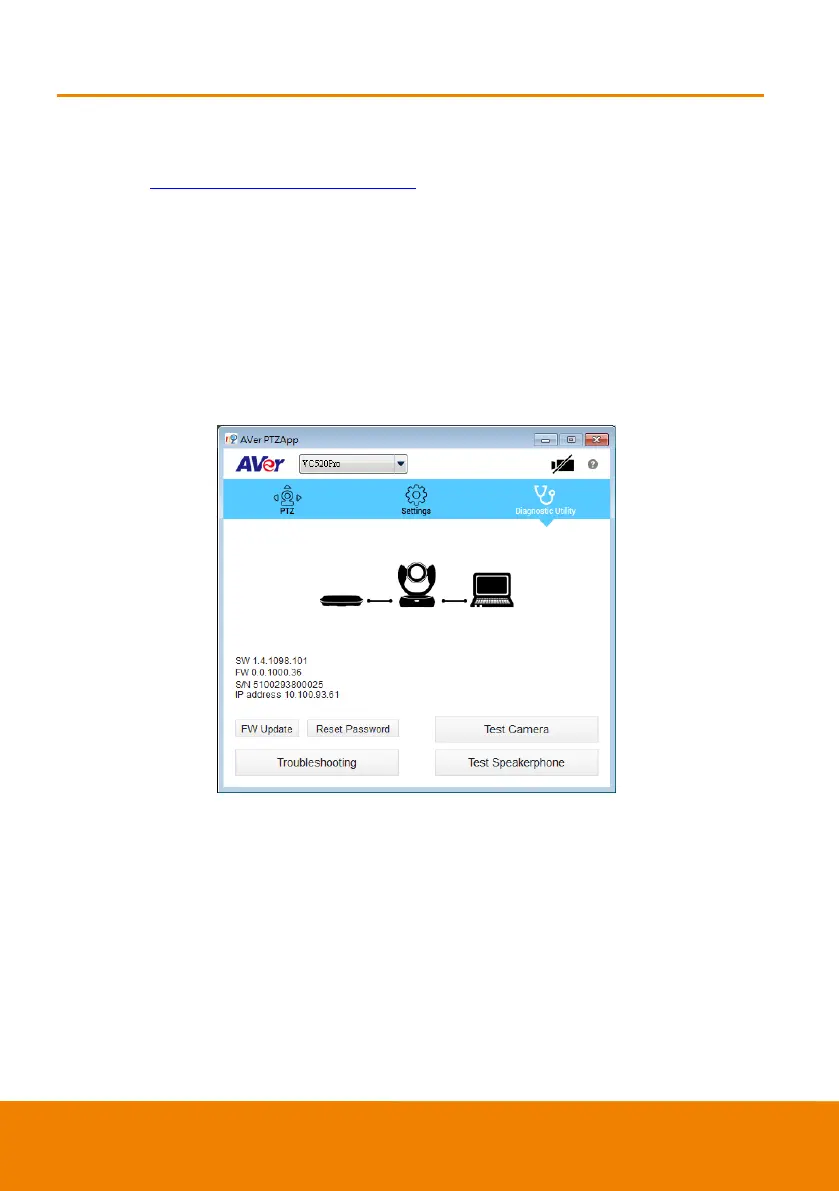
3. For the first time use, you can check the connection, camera, and setup the camera’s parameters.
Each function will be described below:



 To Next Page