49
Audio Setting
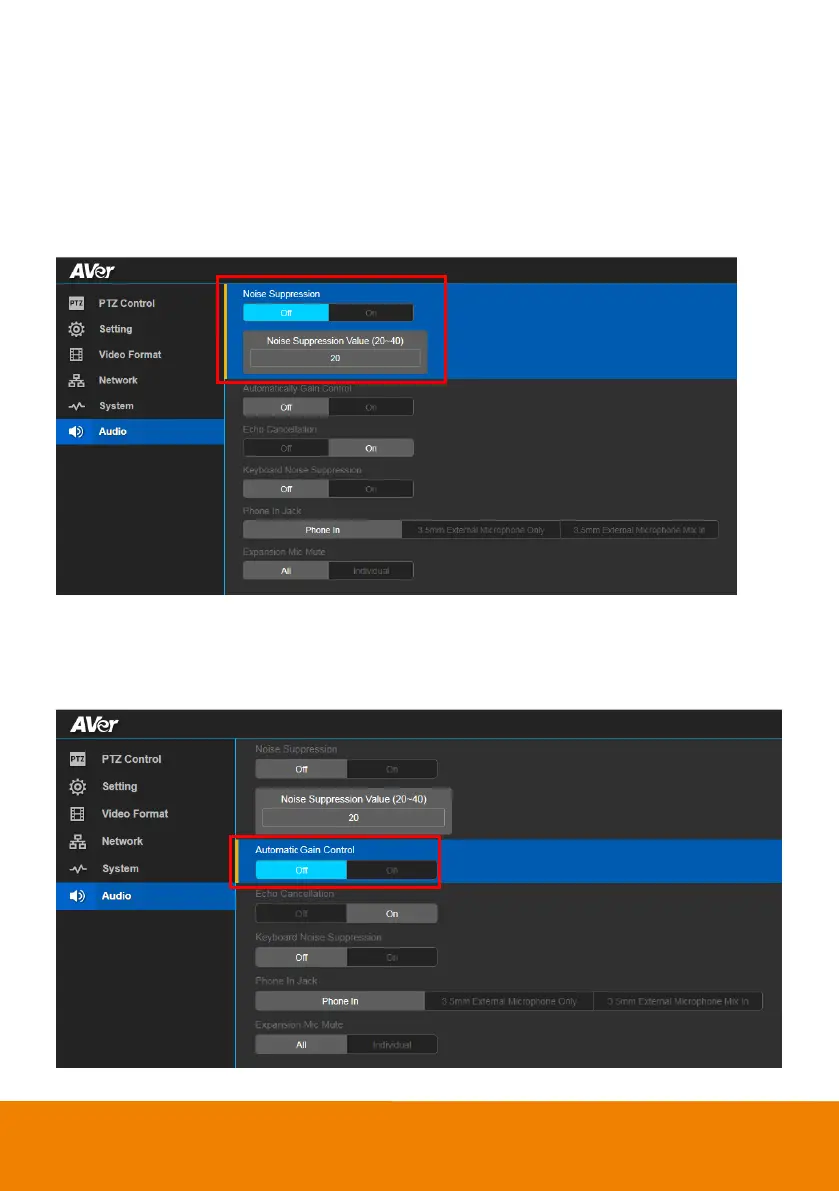
Noise Suppression
Enable/Disable reduce ambient noise.
In live screen view, select Audio > Noise Suppression > Off or On.
When enabling the reduced noise suppression function, please set the value of noise suppression (20
~ 40).
Automatic Gain Control
Enable/disable the automatic gain control.
In live screen view, select Audio > Automatic Gain Control > Off or On.



 To Next Page