26
Setup the Preset
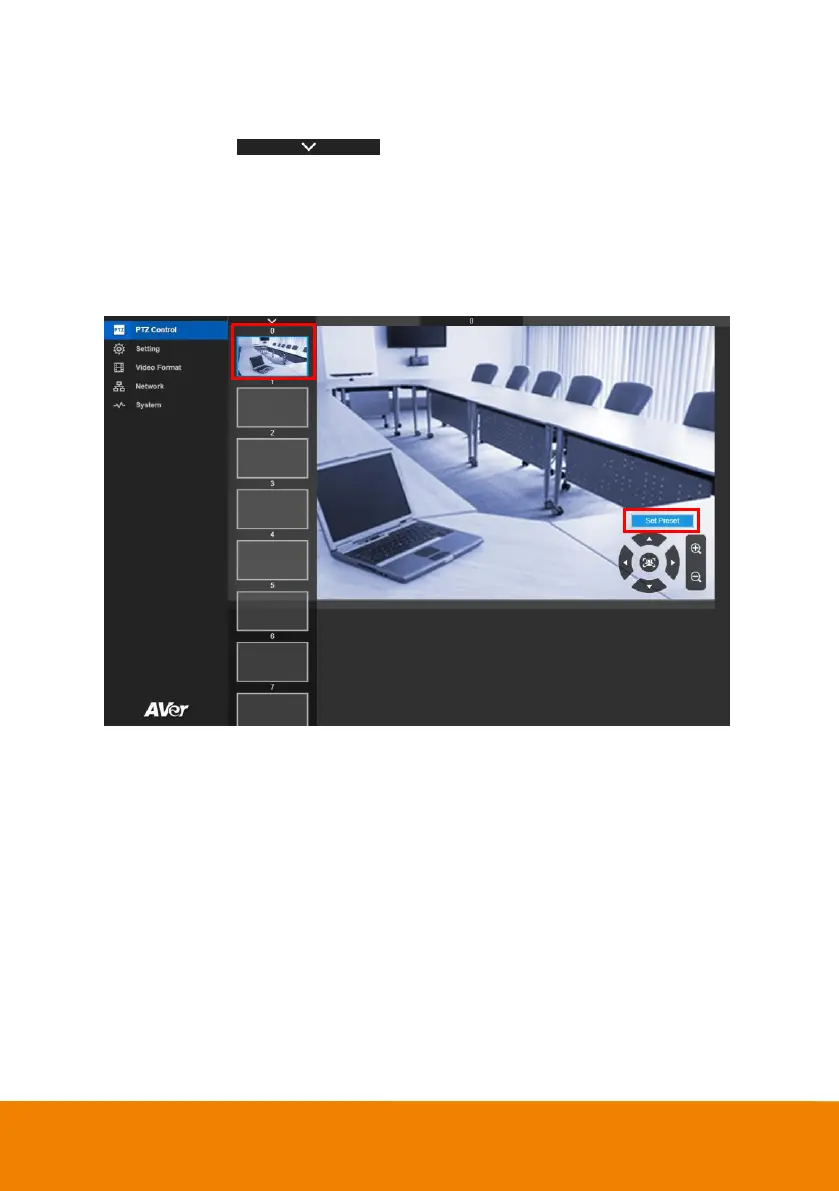
User can set 10 preset positions.
1. In live screen, select to expand preset position list.
2. Select the preset number frame(0~9).
3. Use ▲, ▼, , and zoom in/out button adjust the camera screen view to desired position.
4. Select “Set Preset” button to save the preset. The system will capture the preset screen view and
display in preset number frame.
5. To set another preset, repeat the above steps.



 To Next Page