42
FW Update
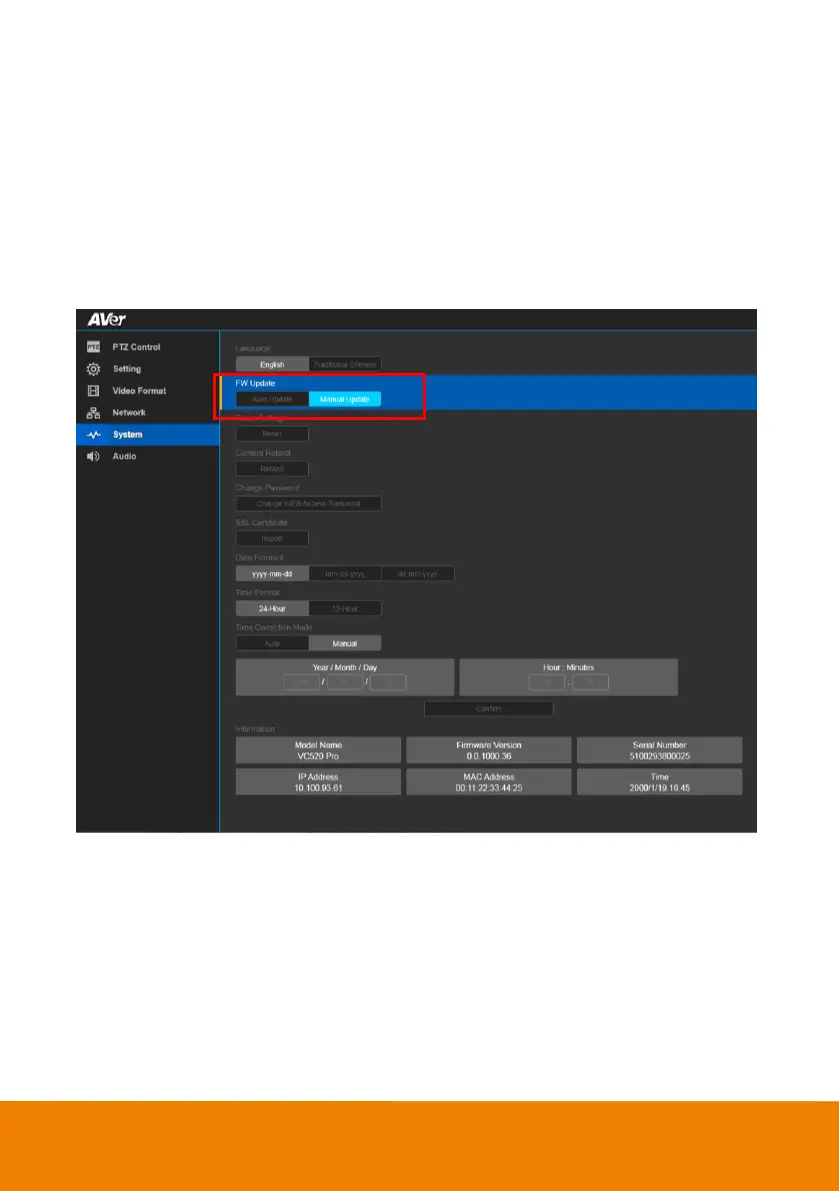
Update the camera’s firmware.
In live screen view, select System > FW Update > Auto Update or Manual Update.
Auto Update: The system will check firmware and update automatically. If the firmware is on the
latest version, then update will not perform.
Manual Update: To update the firmware from specific location.
After updating, the camera will reboot and the connection will be lost. User needs to re-connect after
rebooting.



 To Next Page