50
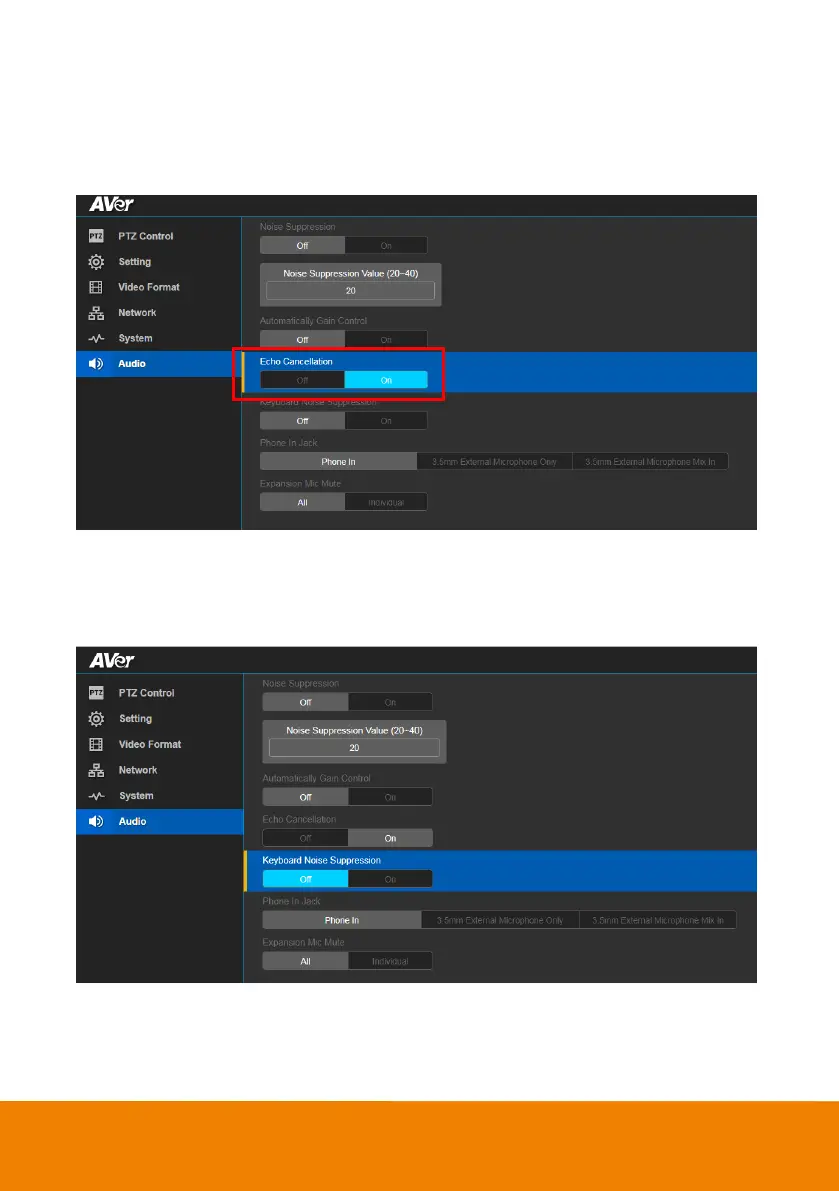
Echo Cancellation
Enable/disable echo situation.
In live screen view, select Audio > Echo Cancellation > Off or On.
Keyboard Noise Suppression
Enable/disable keyboard noise reduction.
In live screen view, select Audio > Keyboard Noise Suppression > Off or On.



 To Next Page