6
Speakerphone LED Indicator
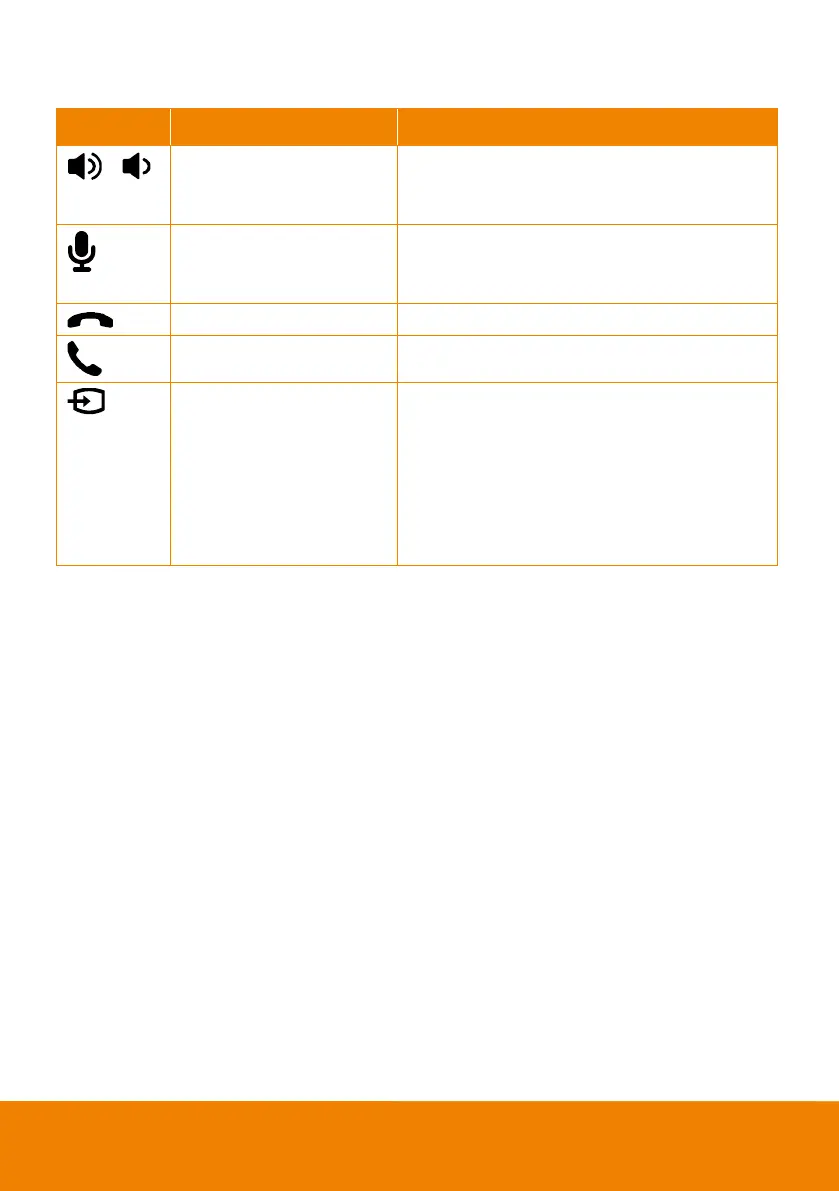
Adjust the volume up and down. When adjusting
the volume up and down, the volume LED indicator
will light up in blue.
Touch to mute/un-mute the speakerphone volume.
In mute status, the LED indicator will light up in
red.
Touch to hang up the call.
Touch to answer the incoming call.
Blue light: Connects with
external device
White light: Temporarily
disconnects the
connection with the device
Off: No connection with
external devices
When the Phone in port connects with the device,
the LED indicator will light up in blue.



 To Next Page