30
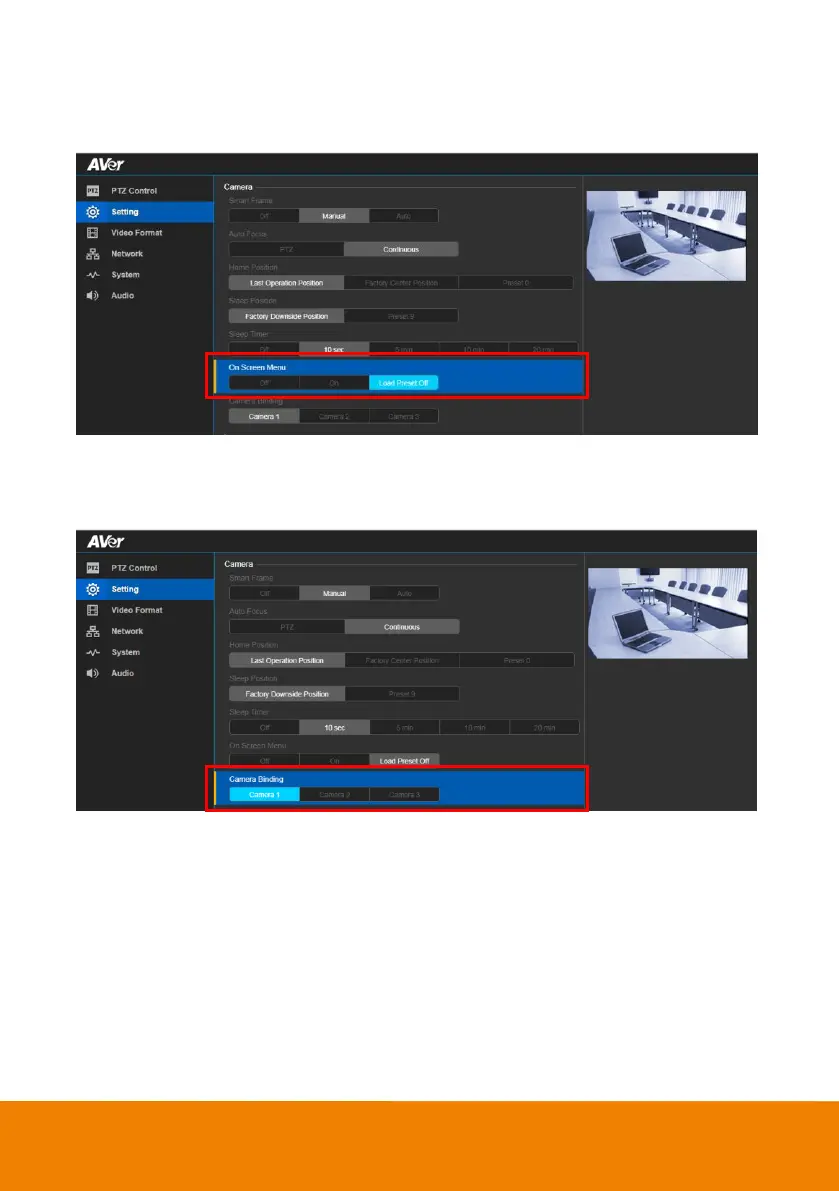
On Screen Menu
Enable/disable on screen display status information.
In live screen view, select Setting > Camera > On Screen Menu > Off, On or Load Preset Off.
Camera Binding
With multiple cameras connection, users can set each camera to buttons 1 to 3 on the remote control.
In live screen view, select Setting > Camera > Camera Binding > Camera 1, Camera 2 or Camera 3.



 To Next Page