36
Video Format Setting
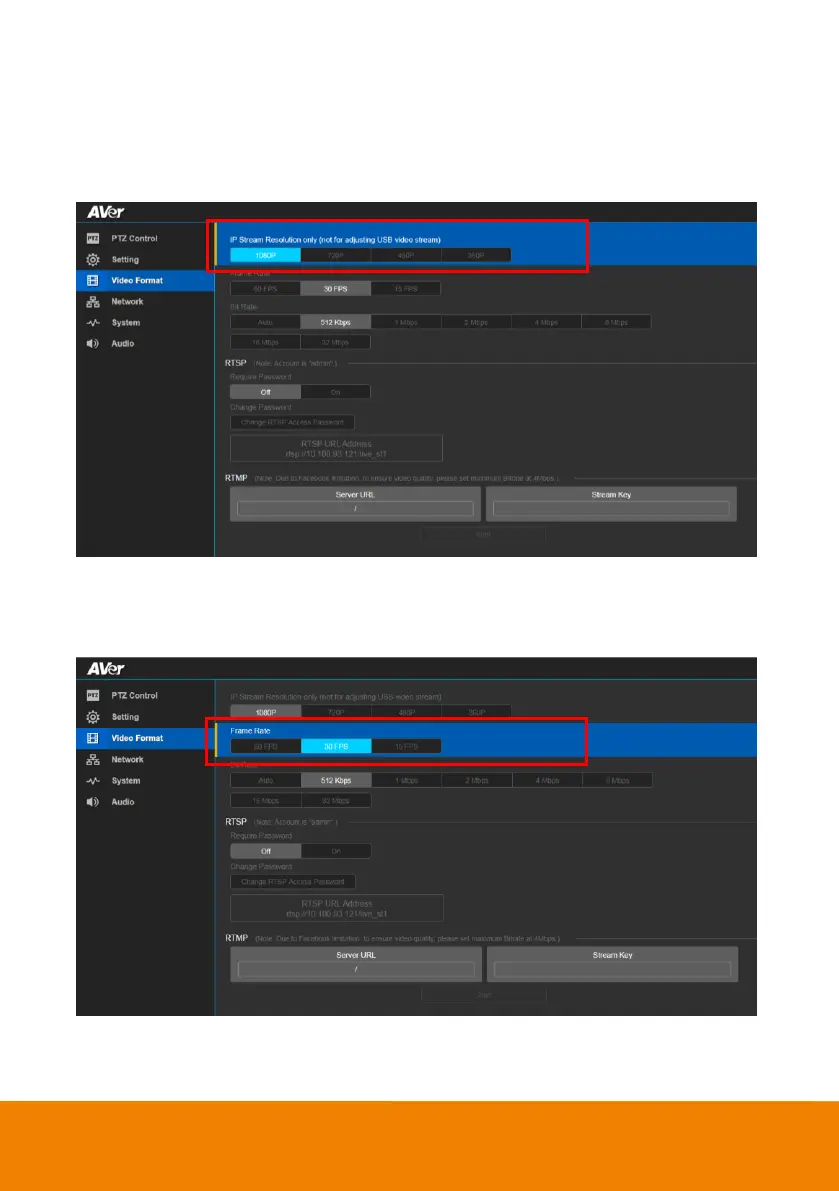
IP Stream Resolution
Select the resolution for IP stream. Not supported for USB video stream.
In live screen view, select Video Format > IP Stream Resolution only(not for adjusting USB video
stream) > 1080P, 720P, 480P or 360P.
Frame Rate
Select the frame rate value.
In live screen view, select Video Format > Frame Rate > 60FPS, 30FPS or 15FPS.



 To Next Page