35
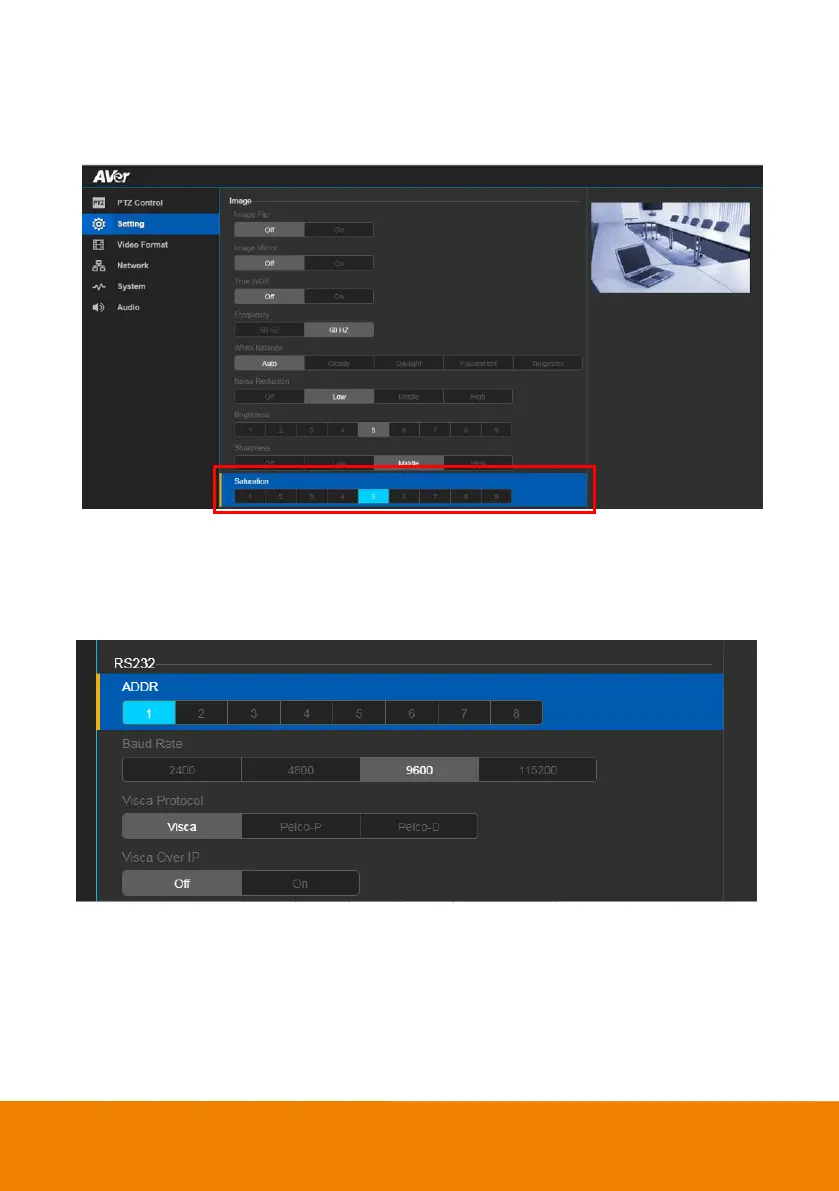
Saturation
Adjust the value of saturation.
In live screen view, select Setting > Image > Saturation >1~9.
RS232 Setting
When VC520 Pro connects with PTZ camera controller through the RS232 port, please setup ADDR,
Baud Rate, VISCA Protocol, VISCA Over IP settings.
In live screen view, select Setting > RS232.



 To Next Page