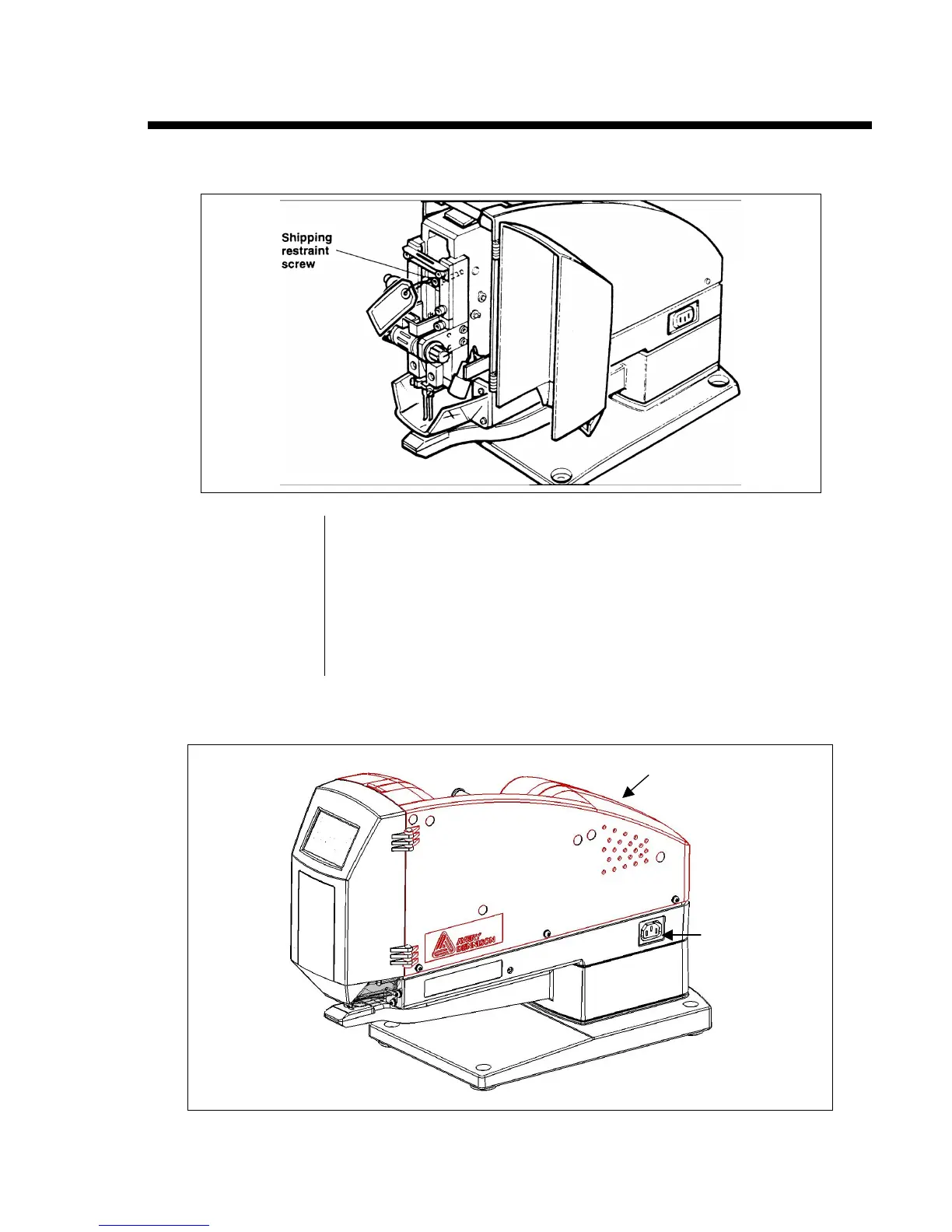
Setting Up the ST9500
TM
1.
Open the front door.
2. Remove the shipping restraint screw.
NOTE Keep the shipping restraint screw. If you need to ship the unit,
you must use this screw to lock the head in mid-cycle, as
follows:
Lower the head by actuating the machine and opening the door
before the machine can complete one cycle. Manually raise the
head of the unit so you can thread the screw into the tapped
hole and then tighten the screw.
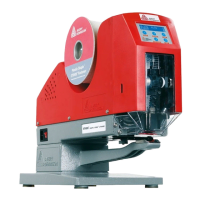
3. Make sure the power switch is in the OFF position (0), then plug the power cord
into the power cord receptacle on the ST9500.
on the left
receptacle


 To Next Page