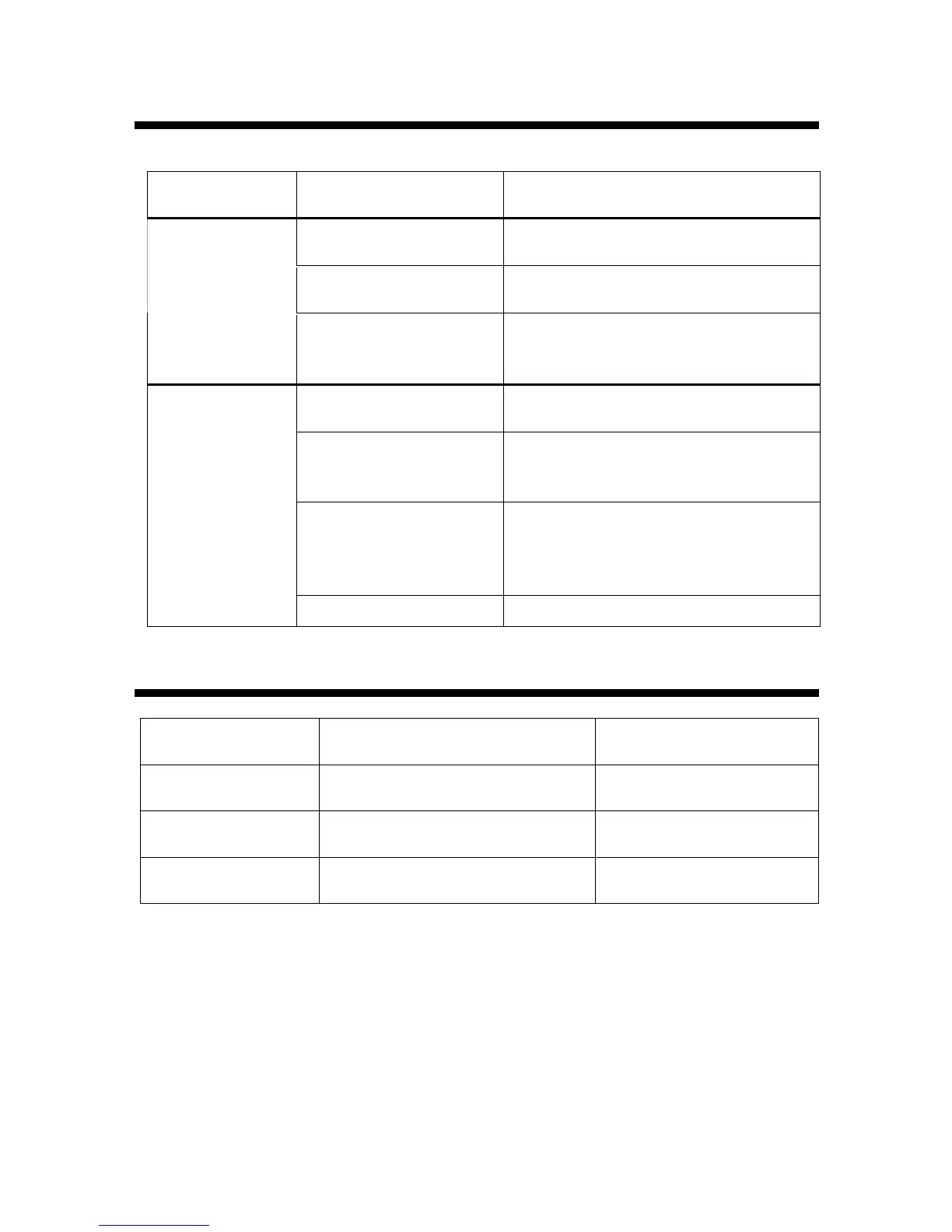
ST9500 Doesn’t Actuate or Actuates Abnormally
Symptom
Probable Cause
Action
No power supply
Check that the power cord is properly connected
and the switch is powered on
The front door is not closed
properly
Close the front door properly so that the
interlock switch is on
Machine does not
actuate
The connection of wires,
cables or connectors are
loosen
Check the connection of wires, cables and
connectors related to power, motor, switch etc.
Sensor doesn’t give out correct
trigger signal
Check the connection of sensor
Position of sensor is not
proper
Check the sensor and make sure the screws do
not loose and the position of sensor bracket is
correct so that the Head always stops at the top
Fabric are too thick for the
motor to provide enough
torque for the needle to
penetrate
Reduce the layers of fabric
Machine actuates
abnormally
Stepping motor loses its step Check the coupling and make sure it is not loose
Panel doesn’t Display or Works Abnormally
Symptom
Probable Cause
Action
LCD displays
unstably
The 20Pconnector is loose Check the 20P connection
No back light on
LCD display
The LED lighting for LCD display
is damaged
Replace LCD display
module
Panel buttons do
not operate
Firmware issue Re-start the machine


 To Next Page