IFD500 Series Pilot Guide
3-6 FMS Subsystem
Split View Active
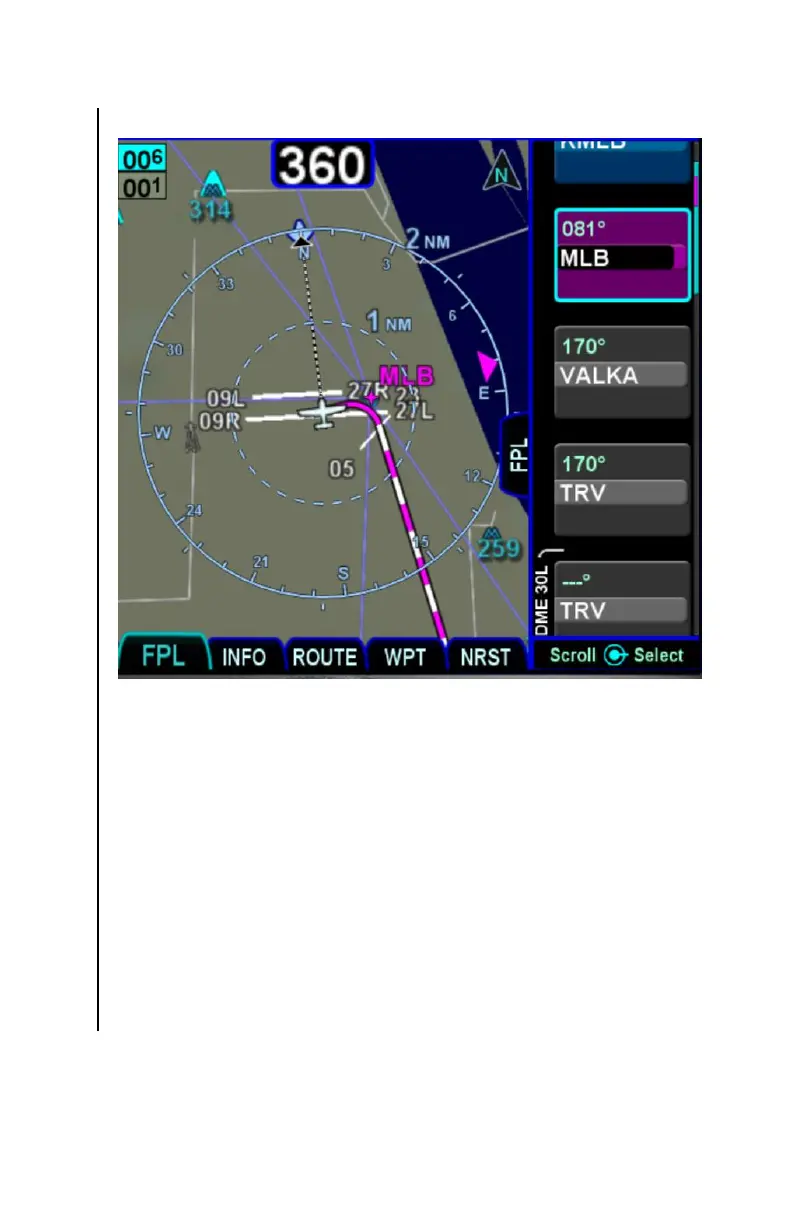
The split view is useful when entering flight plans because a
preview of the pending modification will be shown (see
“Previewing Flight Plans” on page 3-10).
It is also useful for reviewing the flight plan leg-by-leg. When the
split view is active, the View LSK has a third option named
“Cursor”. When that view is selected, the map side of the display
will be centered on the terminating point of the leg surrounded by
the cursor. As a reminder of the “Cursor” view being active, the
legend “Cursor Centered” will be displayed near the top of the
map. By moving the cursor through the flight plan and having an
appropriate zoom level, a nice overview of the flight plan can be
performed.



 To Next Page