IFD500 Series Pilot Guide
FMS Subsystem 3-5
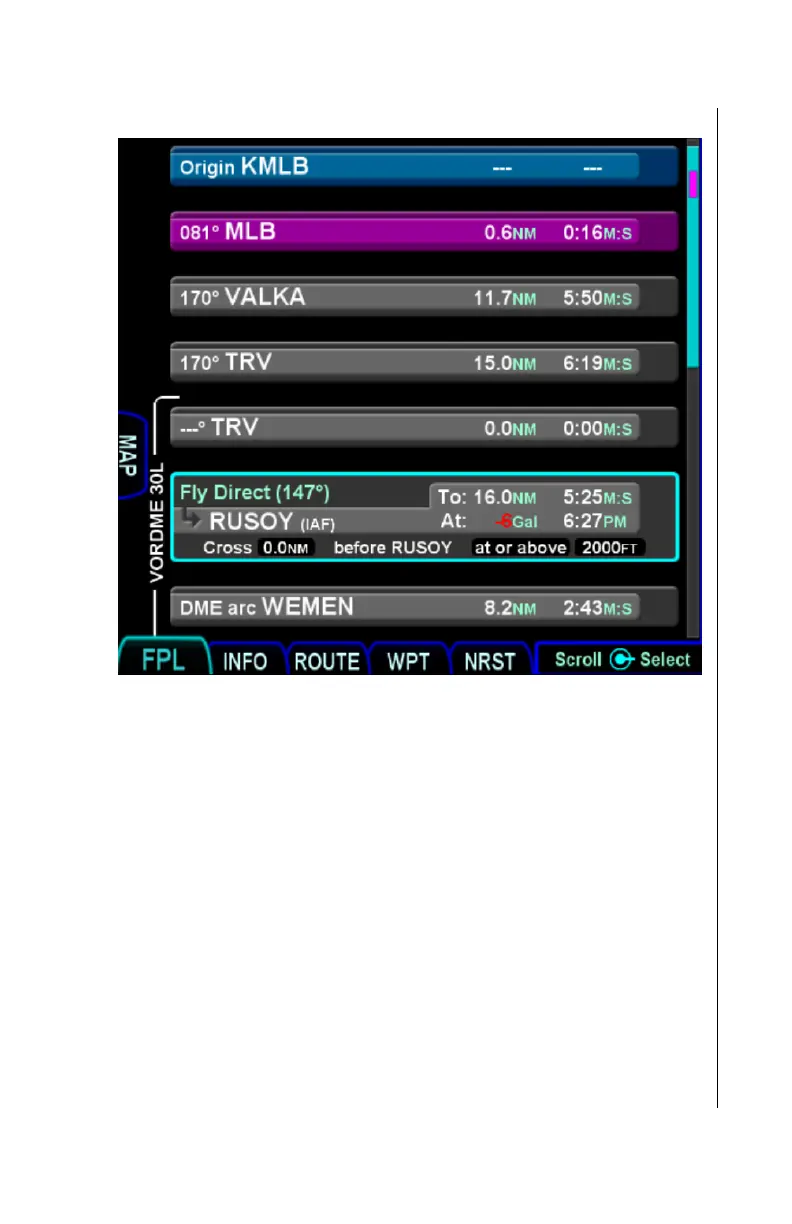
Mini Flight Plan Format “On”
However, even when Mini Flight Plan Format is “On”, the leg
surrounded by the cursor is shown in the normal format, as if Mini
Flight Plan Format were off.
Split View
The “Map” tab, shown to the left side of the flight plan, can be
used to split the screen so that both the map and the flight plan
can be seen at once. In order to enable split view, either touch
the Map tab or press and hold the right side of the FMS button.
Once split view is active, the full FPL page can be restored by
again touching the tab (which is now labeled “FPL”) or by
pressing and holding the left side of the FMS button.
Because of the reduced width available for displaying flight plan
rows, the format of each row is changed to show minimal
information and many of the editing facilities are inhibited.



 To Next Page