IFD500 Series Pilot Guide
3-4 FMS Subsystem
COOL FEATURE
ETE Granularity
The ETE fields in the flight plan legs will be hours
and minutes until the time is under 10 minutes, at
which point it becomes minutes and seconds.
In the “Compact” view, when the flight plan is inactive, each row
represents a procedure in the flight plan. Therefore, airways,
departures, arrivals, and approaches all take up only a single row.
When the flight plan is active, however, the procedure that
contains the active leg is always expanded. The compact view is
useful for viewing flight plans in a format that more closely
resembles a clearance.
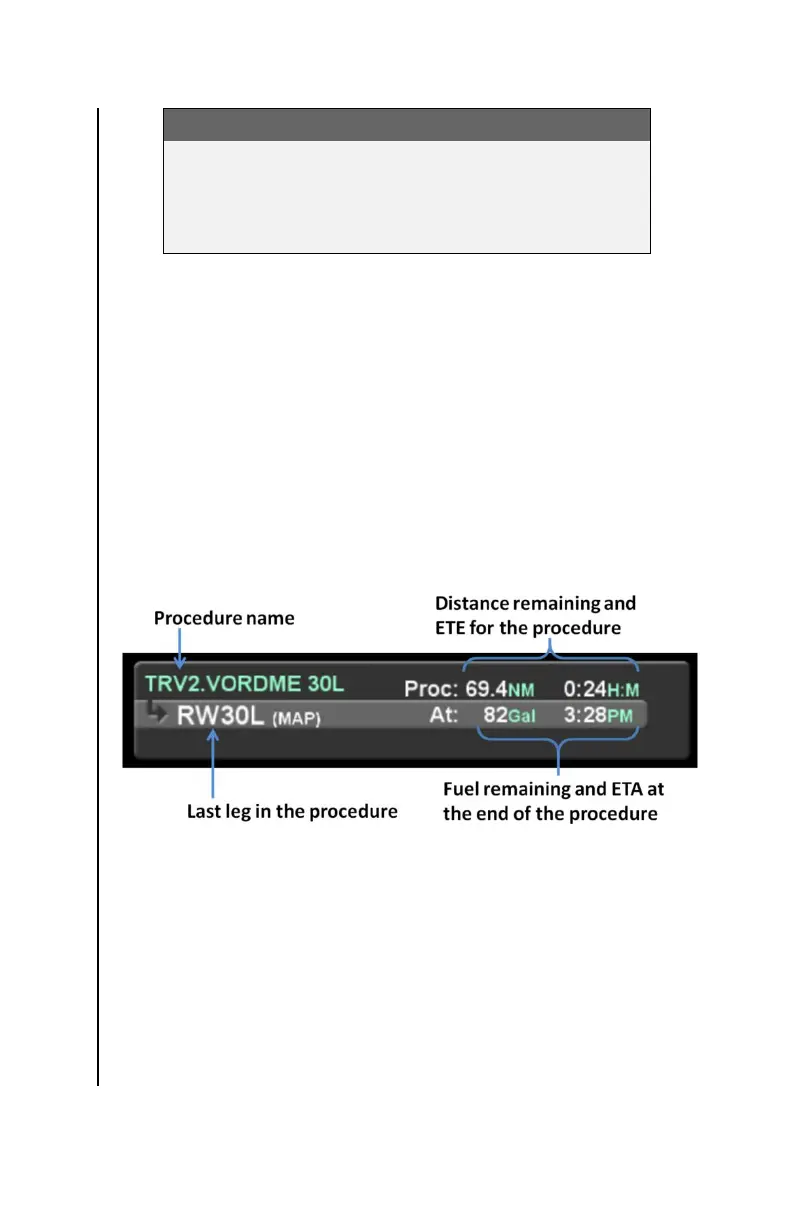
When a row represents an entire procedure, the layout is similar
to that of a leg, but the “via” field contains the name of the
procedure and the statistics are cumulative, covering all legs in
the procedure.
Mini Flight Plan Format
“Mini Flight Plan Format” can be selected using the Setup Page.
When that option is “On”, the flight plan rows are displayed in a
vertically shortened format, allowing for more rows to be
displayed on the screen at one time. Because of the reduced row
height, the “via” and “to” fields are shown side-by-side and the via
is abbreviated. Also, only the “To” statistics are displayed.



 To Next Page