13
A320 PersonAl Mixer User GUide
Save a Mix Preset
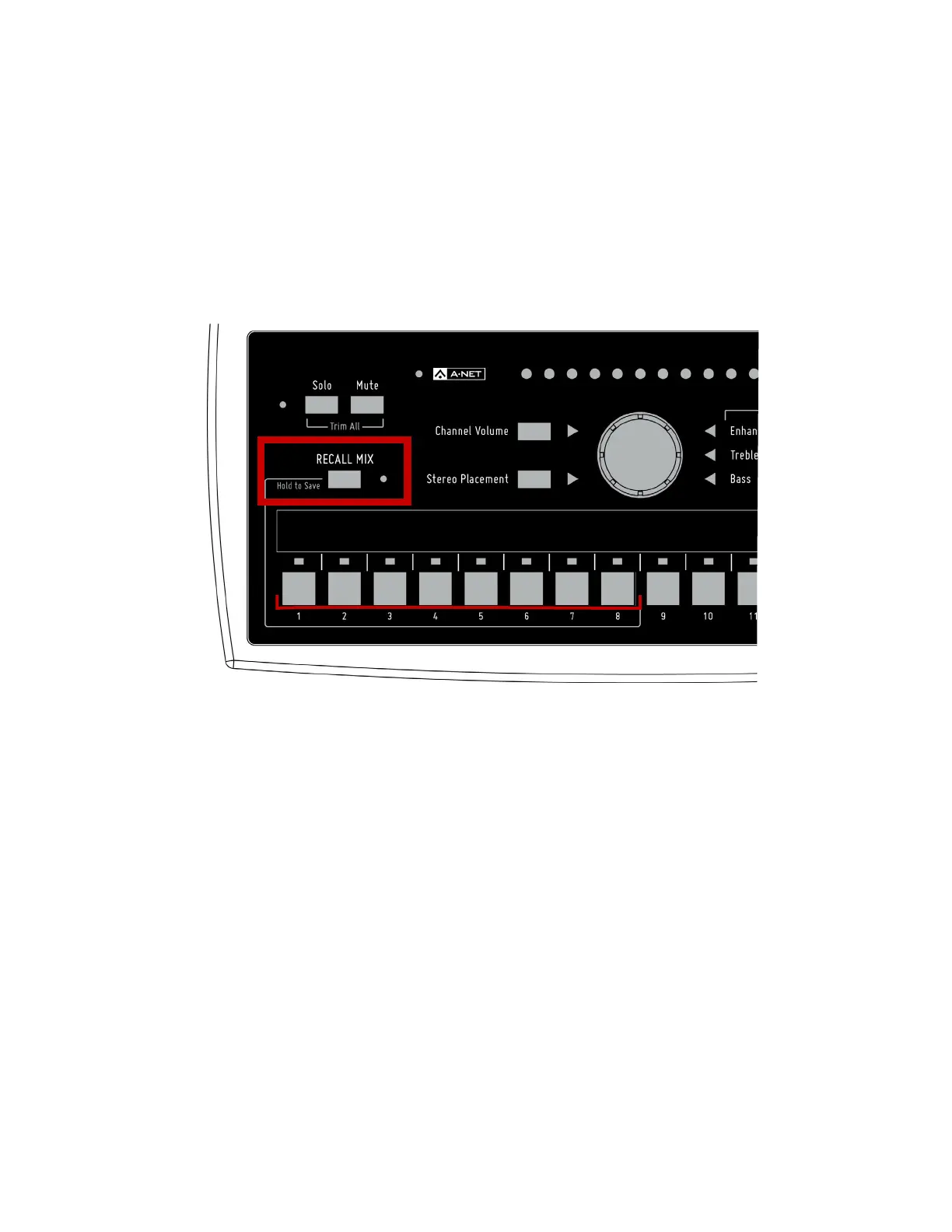
Once you have a basic mix set up, it can be saved as a preset for easy recall later. The A320 can store eight
mix presets using the first eight buttons as storage locations. To save a mix as a preset:
• Press and hold the reCAll MIx button.
• Press a channel button 1-8.
• The mix is saved; the A-Net and Recall Mix LEDs flash as a confirmation.
Hold the reCAll MIx button and then press a channel button 1-8 to save a mix preset.



 To Next Page