24
A320 PersonAl Mixer User GUide
Trim All Function
The Trim All function is an easy way to turn down the volume of all channels in a mix by a uniform amount
with a single command. Use Trim All if a channel being edited is already at its maximum level and you want
to continue to raise its volume relative to the other elements in the current mix.
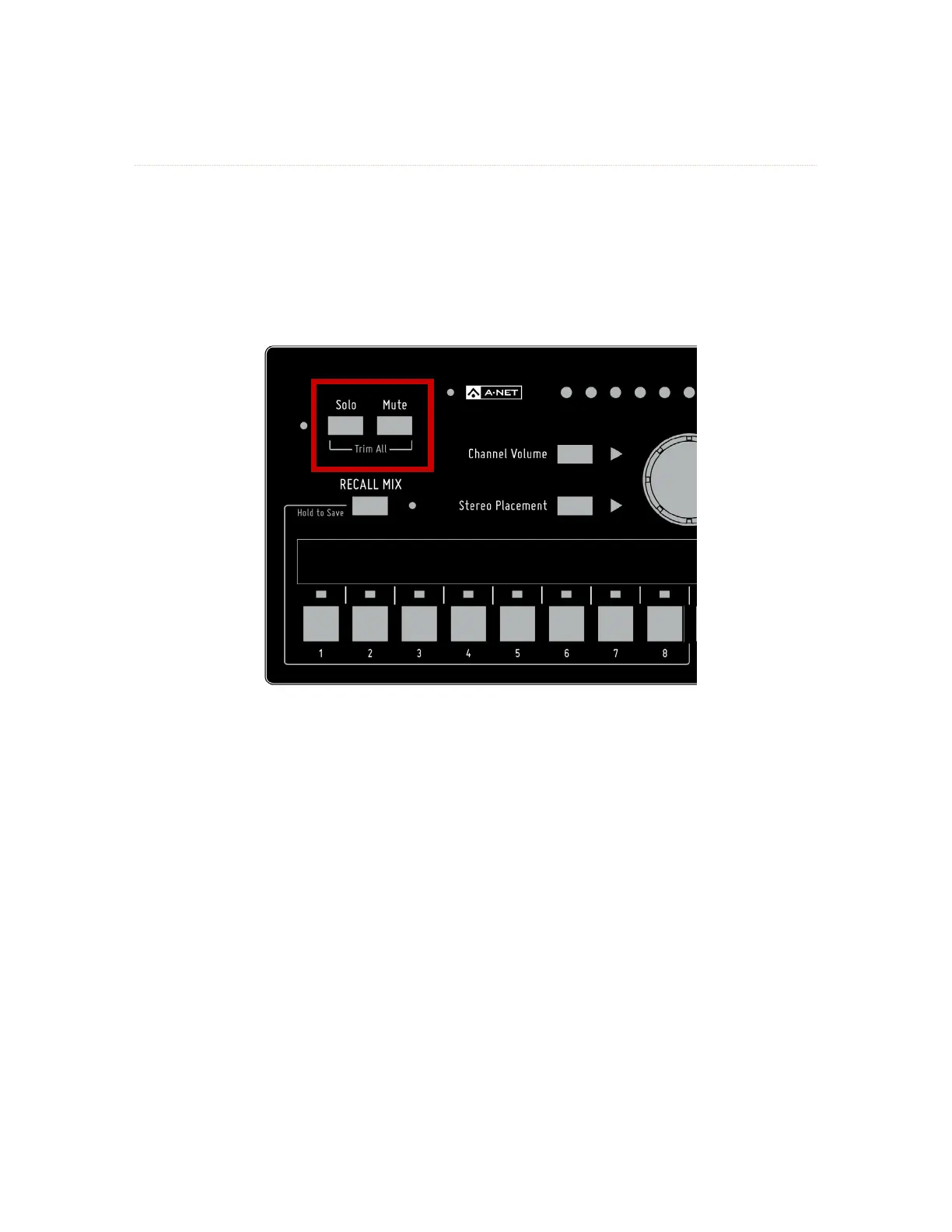
To use Trim All, simultaneously press the Solo and Mute buttons. Each press of this button combination
lowers all channel volumes by 3dB.
All channel volumes are lowered by 3dB when you use the Trim All command.
Once the mix has been trimmed by the desired amount, you can continue making mix adjustments as
needed. After using the Trim All function as described above, you may need to raise the Master Volume
level to compensate for the lower overall mix level.



 To Next Page